Rafał Marczuk
Senior Business Analyst @ Q247
View all authors

(BETA) Version v2.2.4

· 3 min read
Rafał Marczuk
Senior Business Analyst @ Q247

In update 2.2.4, we focus on improving data visibility, increasing work intuitiveness, and introducing new tools that facilitate project, team, and user management. We have introduced improvements in statistics presentation, navigation, chart and table personalization, as well as enabled administrators to independently create employee accounts within the organization. Below you will find a detailed description of all changes.

Ability to Create New User Accounts by Administrator

Create Account Screen

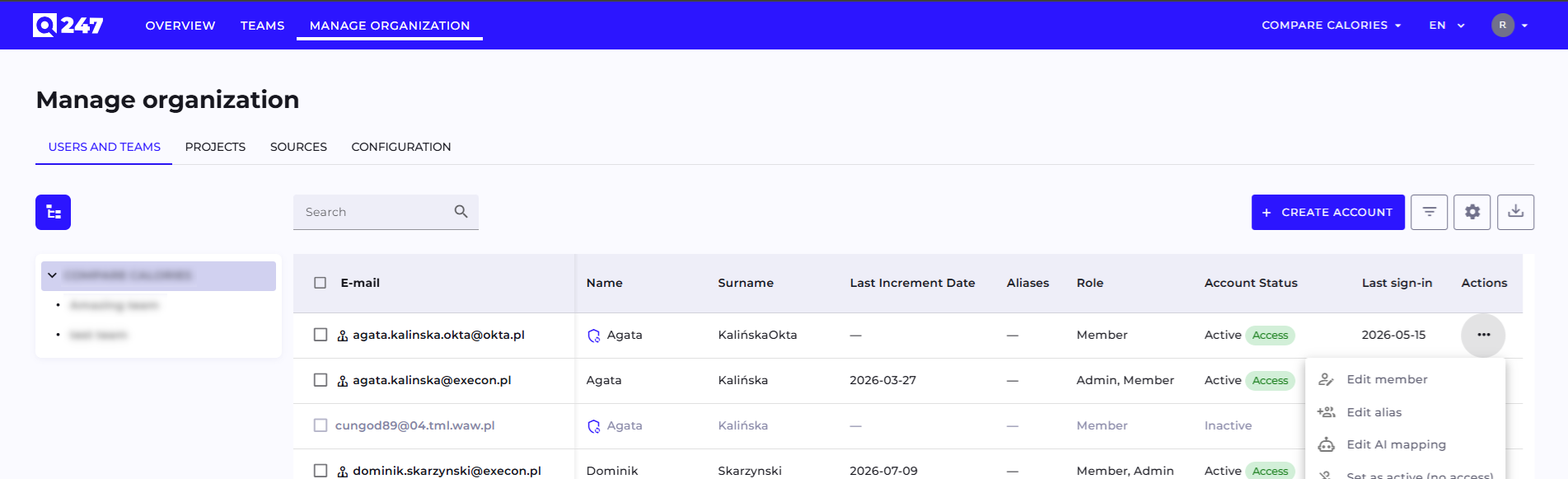
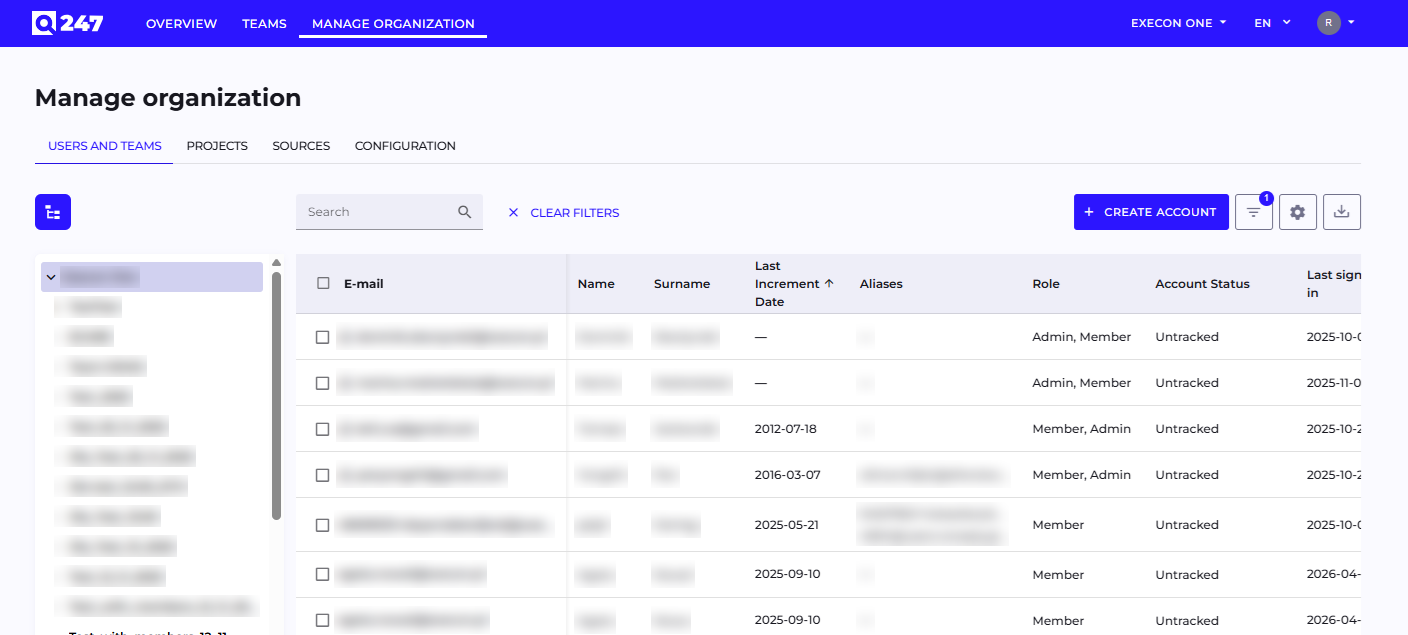
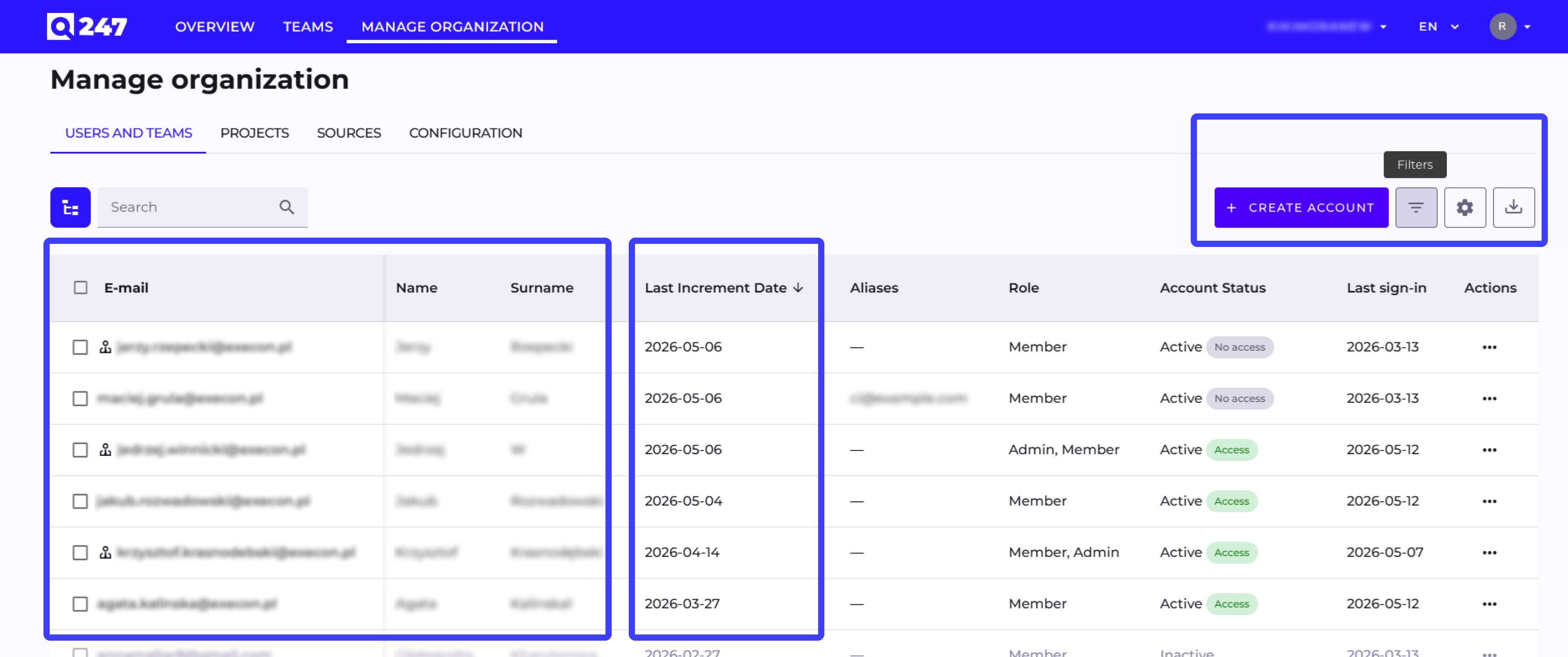
In the Users view, we added the "Create new user" function, which allows administrators to create accounts for users.

The form includes all key data (email, first name, last name, status, roles, position, seniority, phone, tags).

The system sends an activation email and validates data.

How to Add a New Account?

To add a new account in the administrator panel, follow these steps:

  • Go to the application page and navigate to the Manage Organization section (available in the header).
  • Select the Users tab.
  • After opening the user list, click Create an account.

Managing User Permissions in the Organization

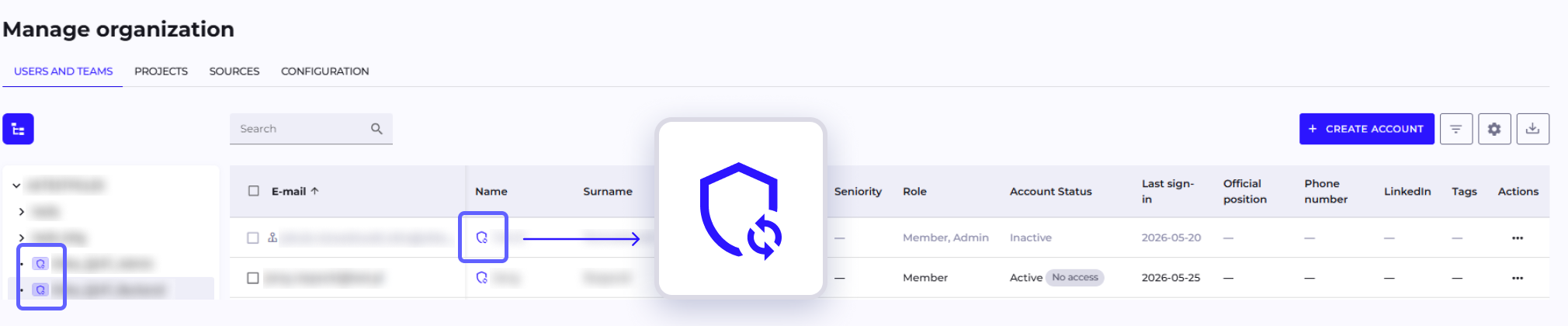
Role Screen

We introduced the ability to grant and modify user roles directly in the organization panel. It is now possible to manage Owner, Admin, and Member roles.

Setting User Password

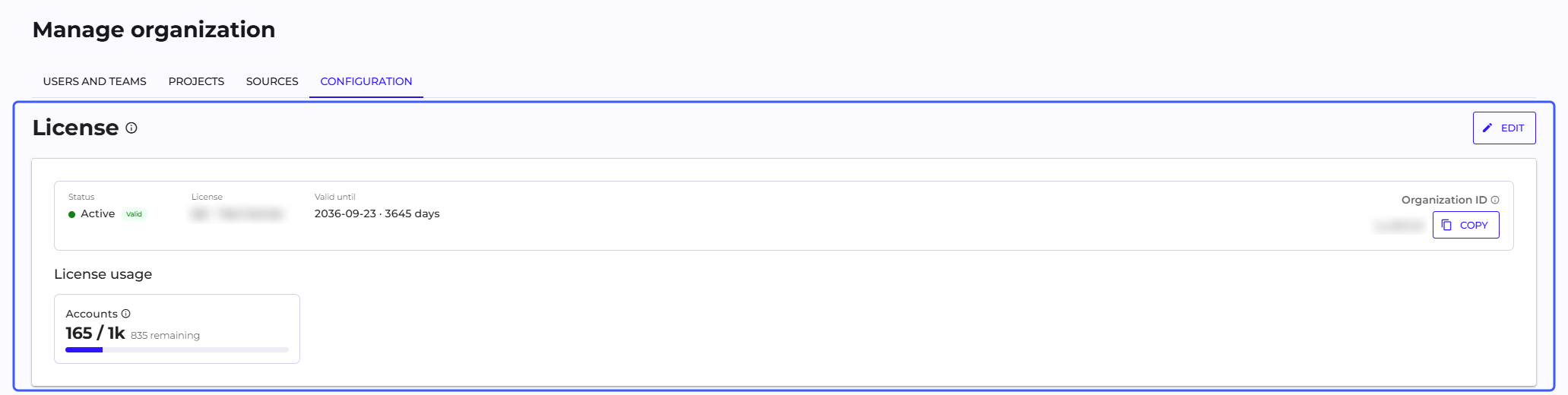
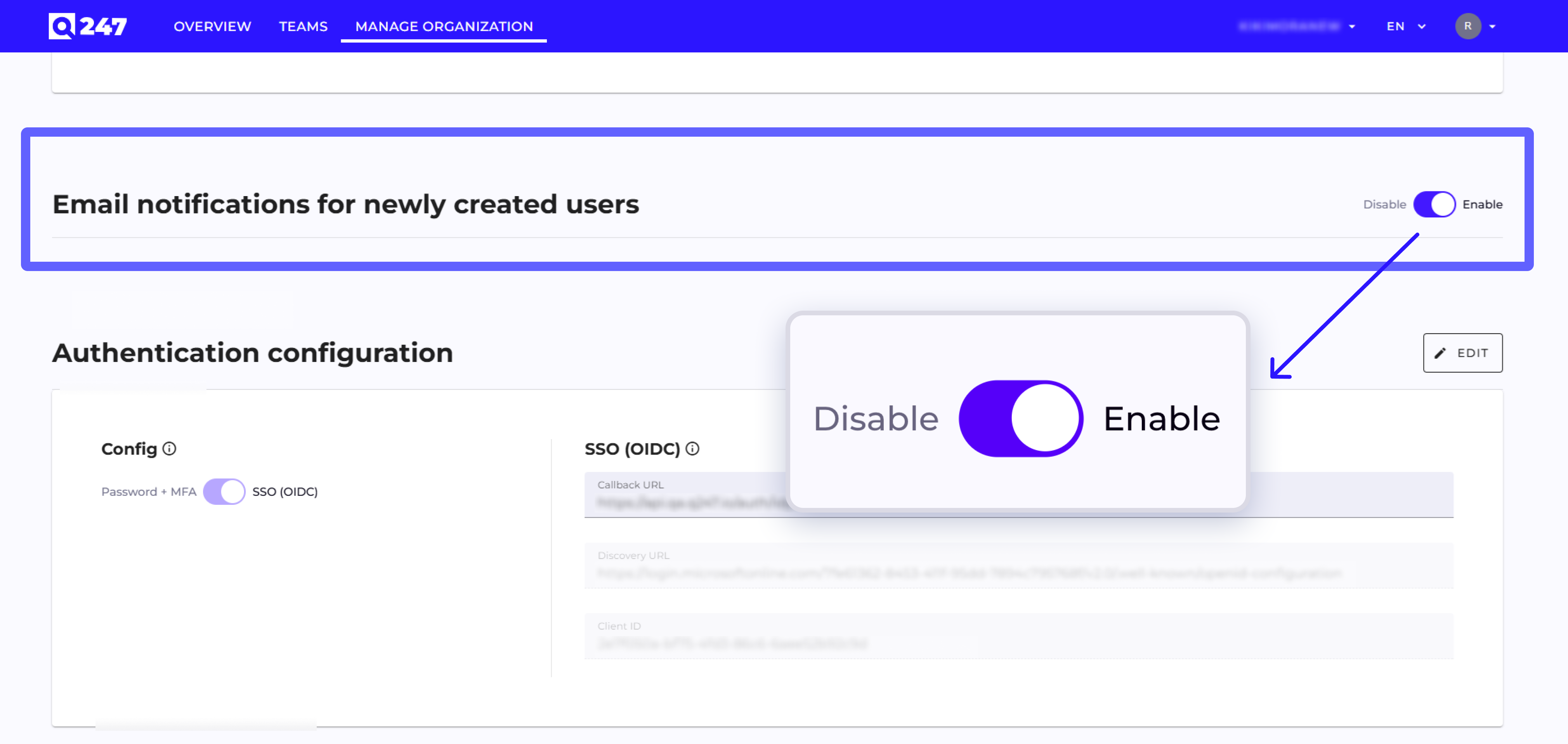
An Administrator or Owner can now activate user access and enforce password setup through automatic sending of the "Activate your account" message. The user receives a unique link valid for 48 hours and sets the first password independently.

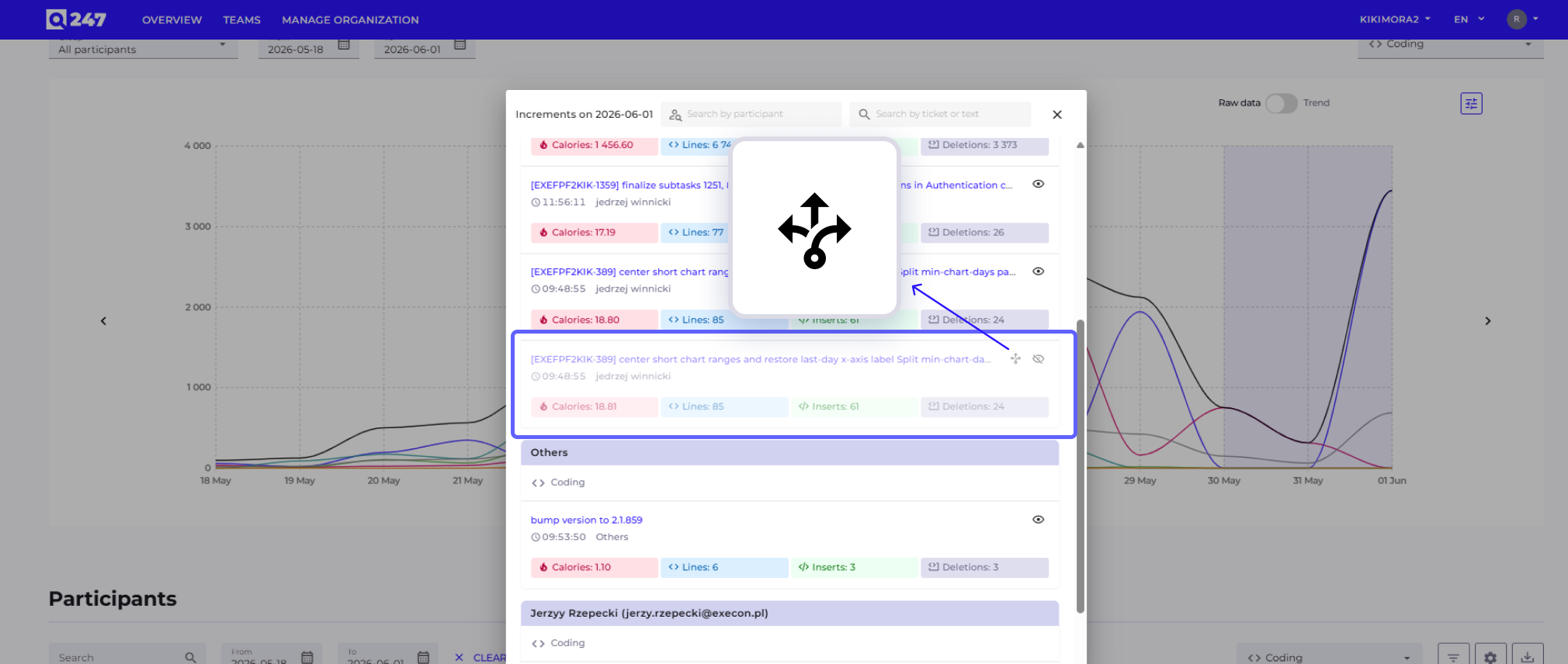
Hiding Increments from Jira

We added the ability to hide selected increments from Jira. Users can restore hidden items at any time, which allows for increased analysis accuracy and better control of data visibility. The feature facilitates browsing change history by eliminating irrelevant or erroneous information noise.

Simplified Column Selection in Tables

Customize View Screen

We have grouped the statistics (Calories, Lines, Increments, Additional Information) in the table management section.

Thanks to this, users can find needed data faster and more efficiently adjust the table layout to current analysis. Both selecting all statistics at once and group or individual selection are available, depending on needs.

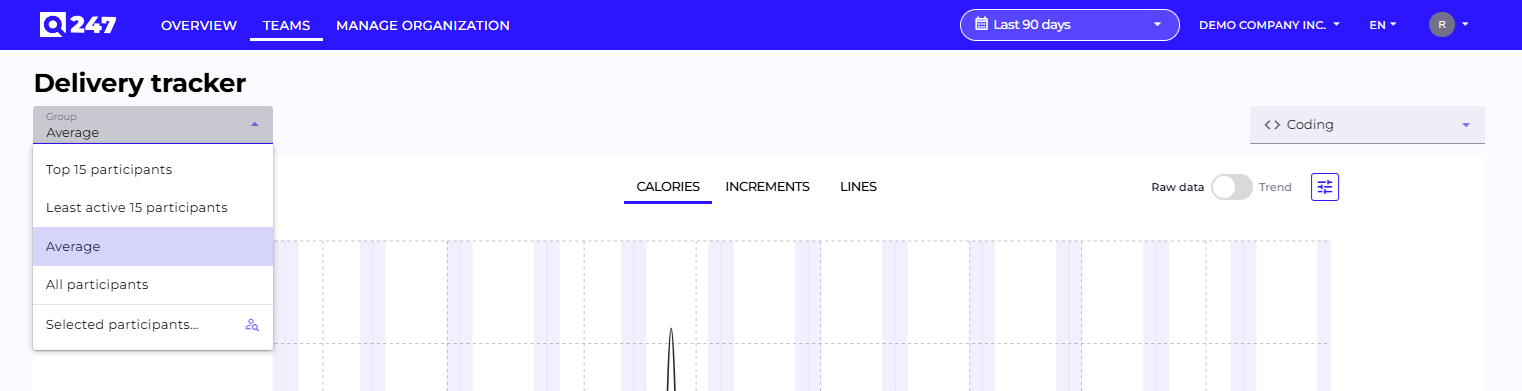
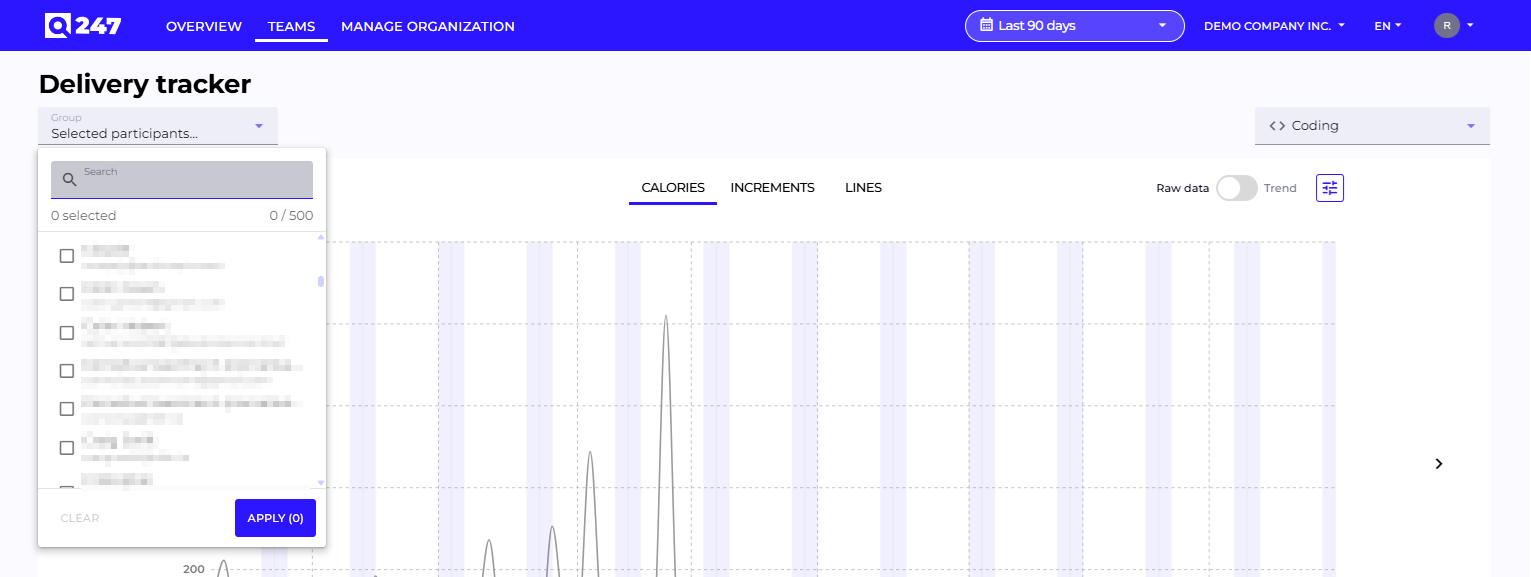
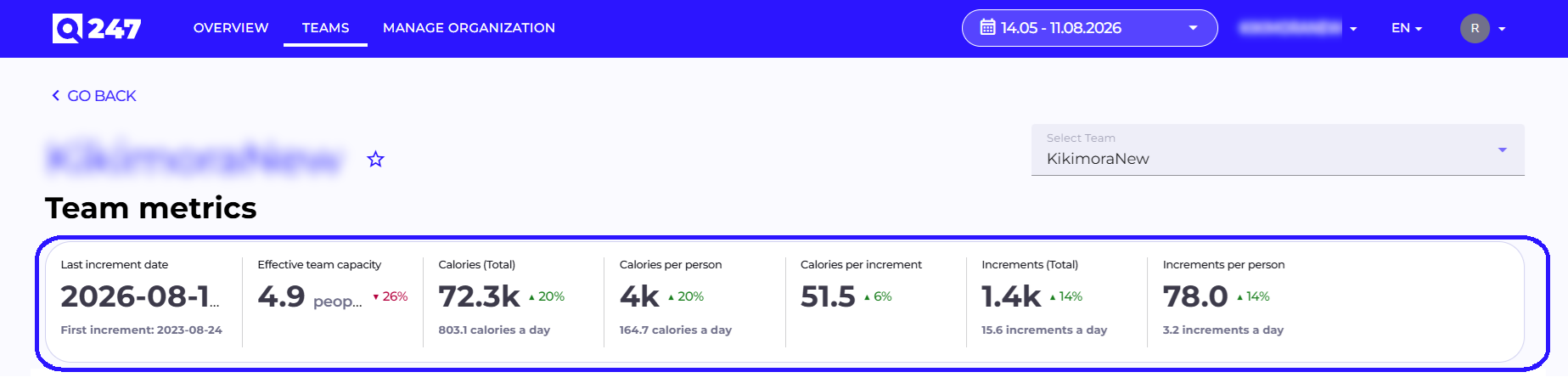
Added Chart in Teams View

Teams View Screen

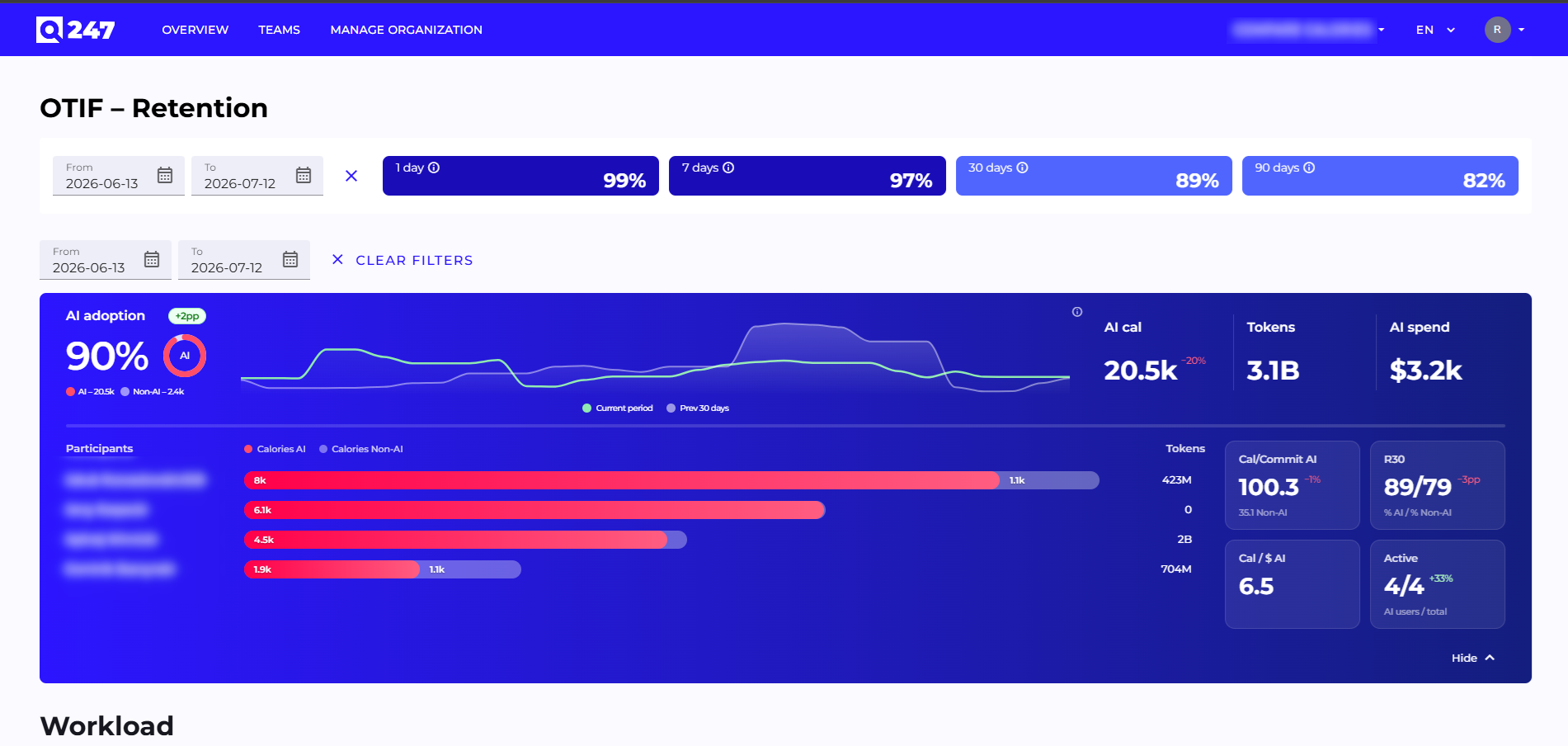
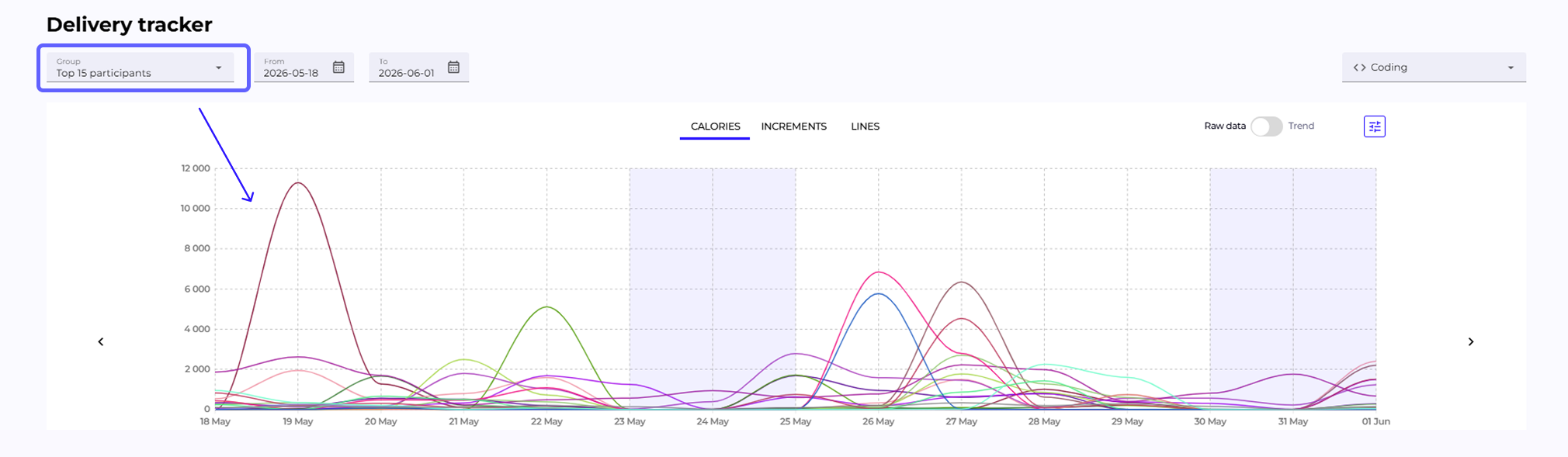
In the team view, we added a chart presenting the work of team members, similar to the project view.

The data range (Calories /Increments /Lines), data source, and presentation form (raw data /trend) are variable. This facilitates team work analysis and activity comparison over time.

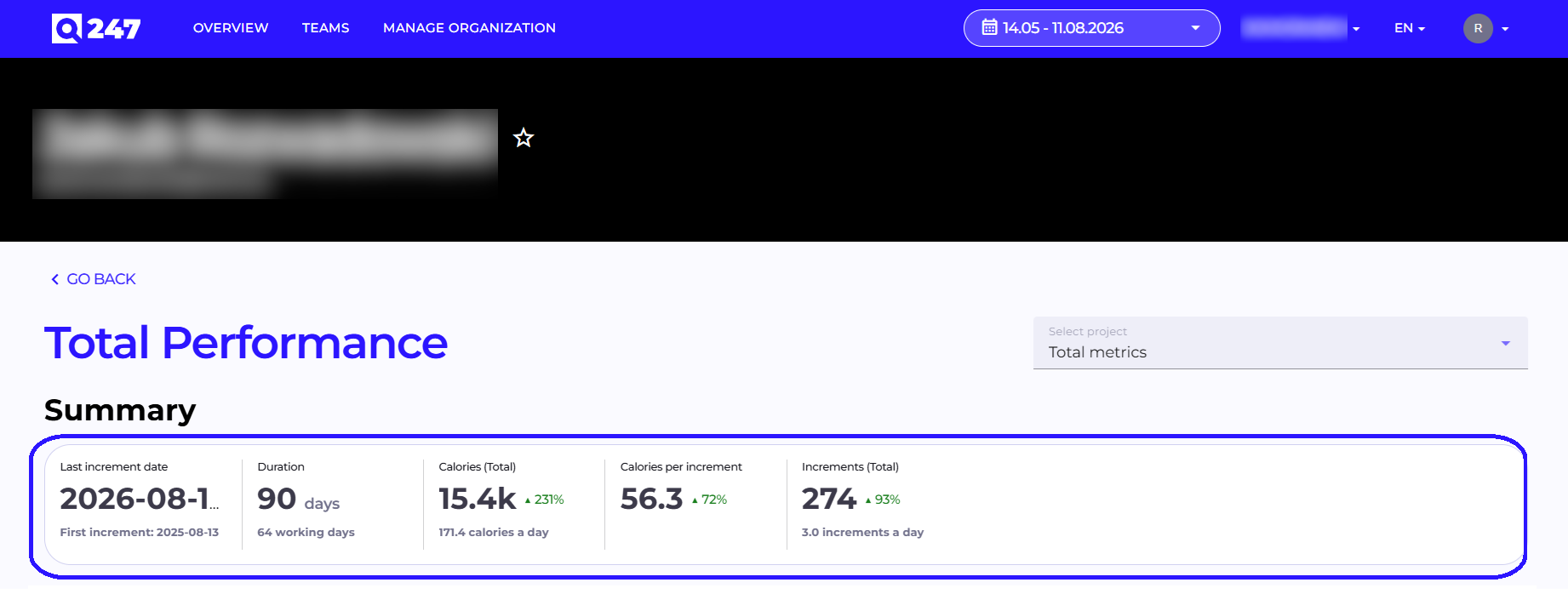
Improved Section Order in Participant View

Participant View Screen

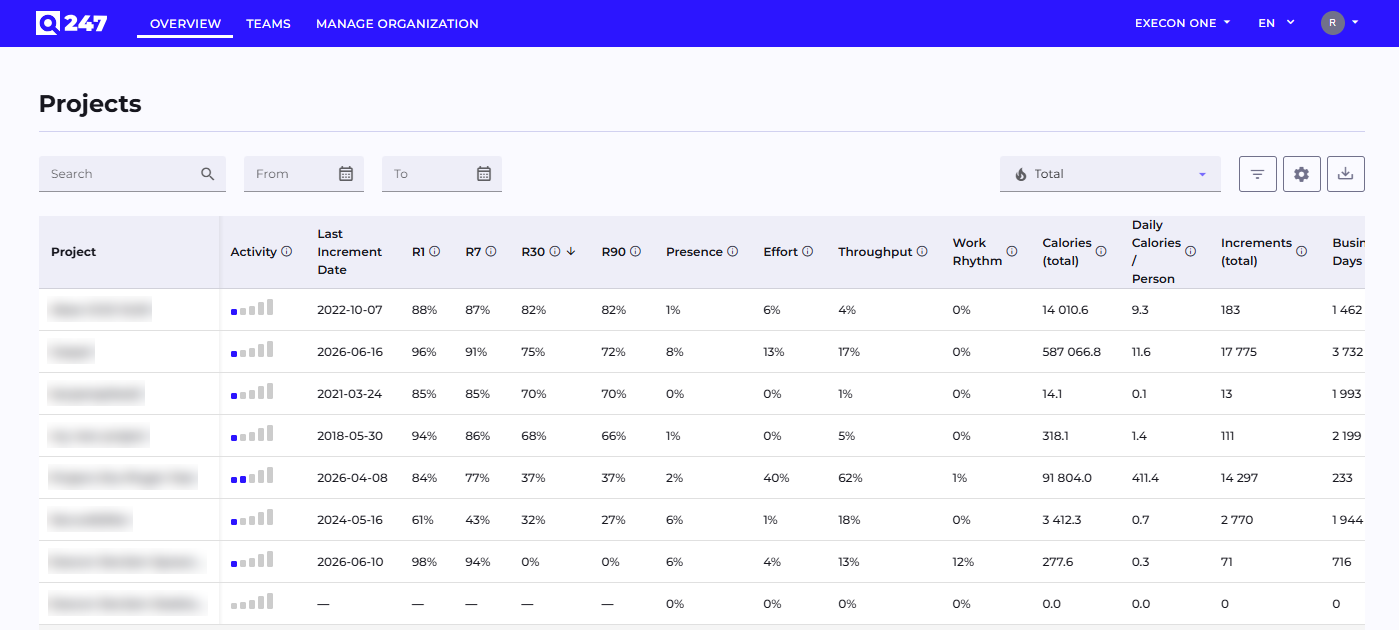
The participant view has been changed to present data from most general to most detailed.

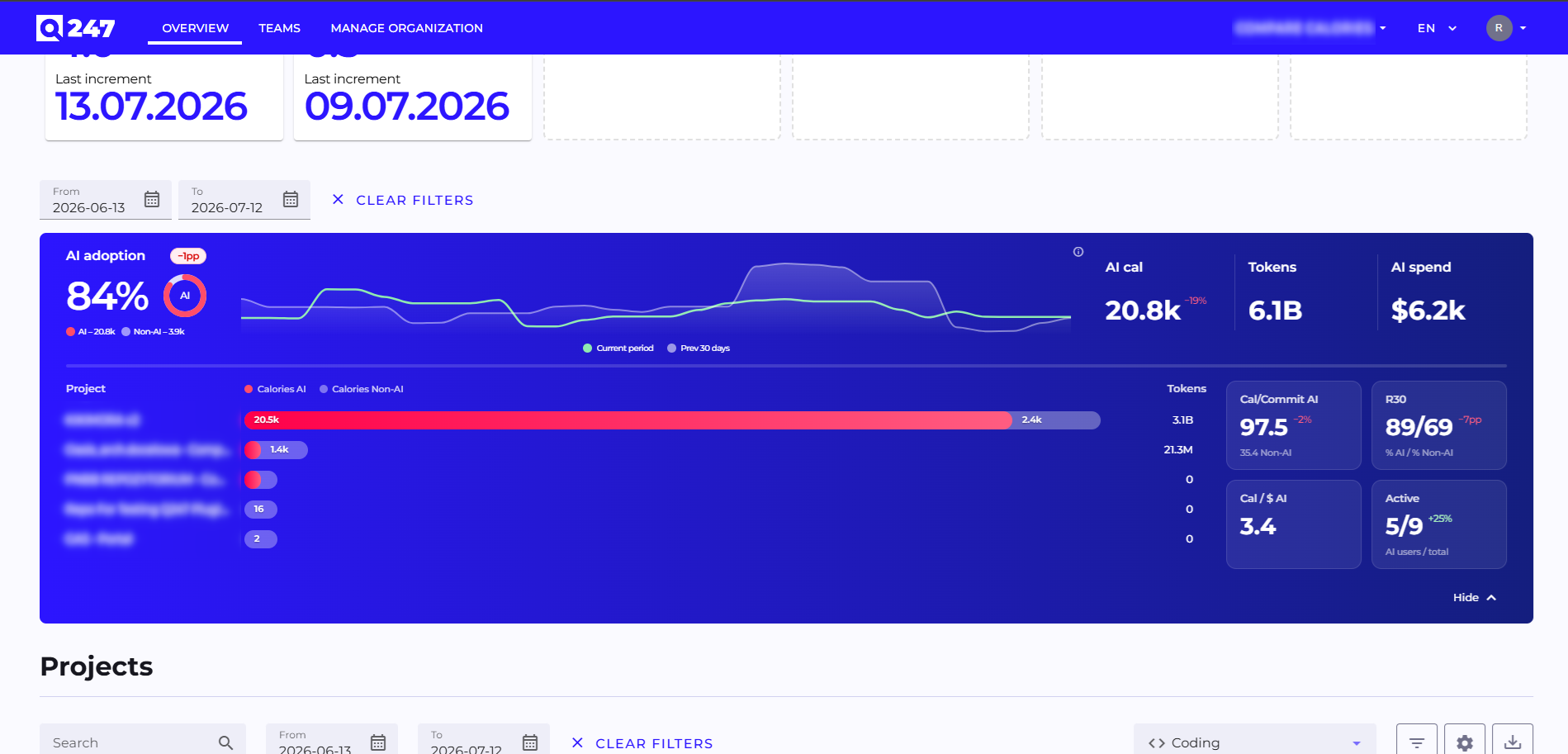
We added section headers and clearly separated data from the selected project from work on other projects. This facilitates orientation on the page and allows faster analysis of key data.

Remembering Settings

Chart View Screen

All charts present data in raw data mode by default instead of trend.

The system remembers user selection for each view separately. Thanks to this, data analysis is consistent with user preferences.

Remembering Table Settings

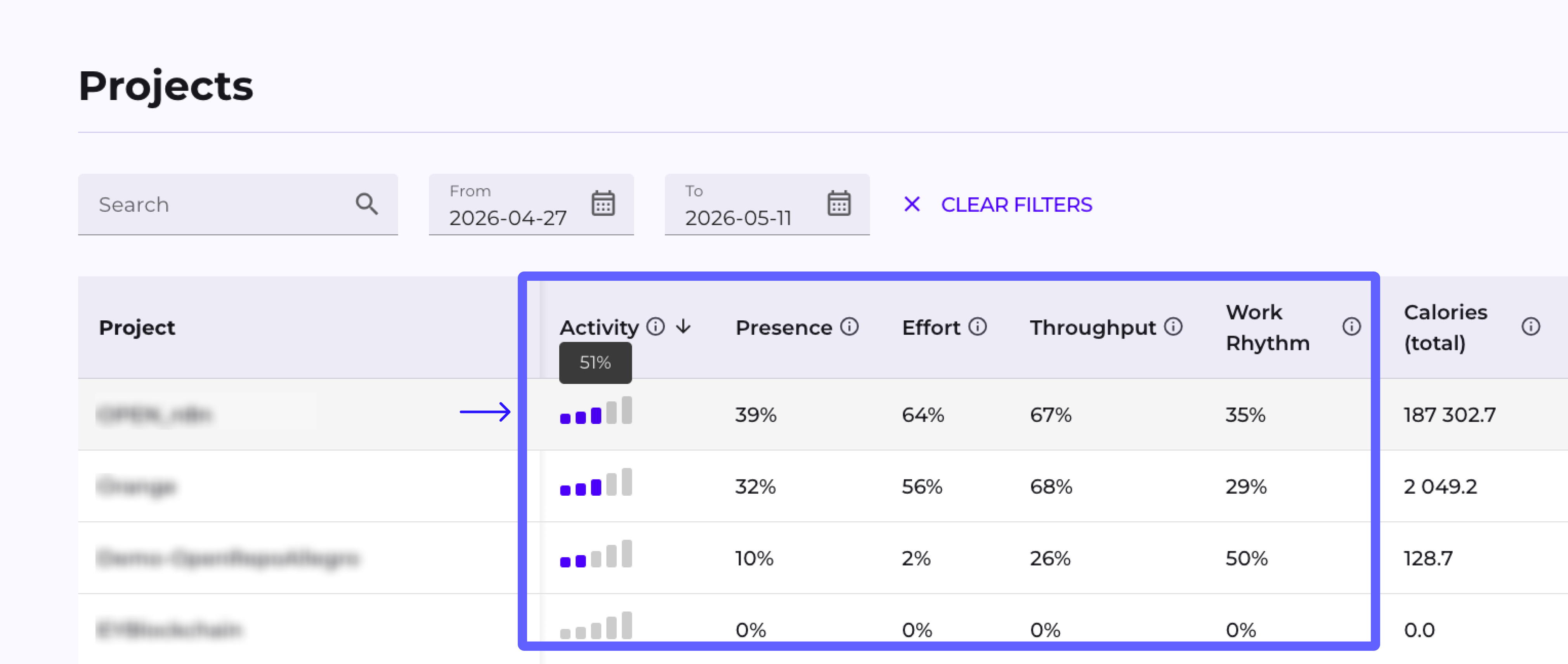
Tables remember visible columns, active sorting, and view layout for each user and view separately.

After refreshing the page or returning to the view, the system restores user preferences. This streamlines analytical work and eliminates the need for reconfiguration.

Tooltips in Tables

We introduced tooltips explaining the meaning of data in tables, which appear only when the name is truncated. Thanks to this, users understand presented statistics faster, and the interface is more readable and clear. The solution facilitates data analysis and onboarding of new users.

Version v2.2.3

· One min read
Rafał Marczuk
Senior Business Analyst @ Q247

In this release, we focused on fixing various bugs to enhance the stability and reliability of the system. We also introduced new features and improvements to enhance overall user comfort.
New features and improvements

  • Display of calories from work performed in Jira DC.
  • Display of calories from work performed in Confluence DC.
  • Display of logged working time on tasks.
  • Addition of discriminator functionality.

Version v2.2.2

· One min read
Rafał Marczuk
Senior Business Analyst @ Q247

In this release, we focused on fixing various bugs to enhance the stability and reliability of the system. We also introduced new features and improvements to enhance overall user comfort.
New features and improvements

  • Automatic account locking after an extended period of inactivity.
User view – User management

  • Expanded user account details and editing view with system access.
  • Added the ability to manage aliases.
  • Added the ability to manage blocked users.

Version v2.2.1

· 2 min read
Rafał Marczuk
Senior Business Analyst @ Q247

In this release, we focused on fixing various bugs to enhance the system's stability and reliability. We also introduced new functionality and made several improvements to the overall user experience.

New Features and Enhancements

User Panel

  • Added the ability to manage basic profile information.
  • Users can now change their password independently.

New Users View – User Management

  • A new module that will gradually take over comprehensive management of all system users (both managers and contributors). The scope includes:

  • Basic data: first name, last name, nickname, phone, LinkedIn,

  • Job position,

  • Seniority.

Increment Heatmap Chart – Year View

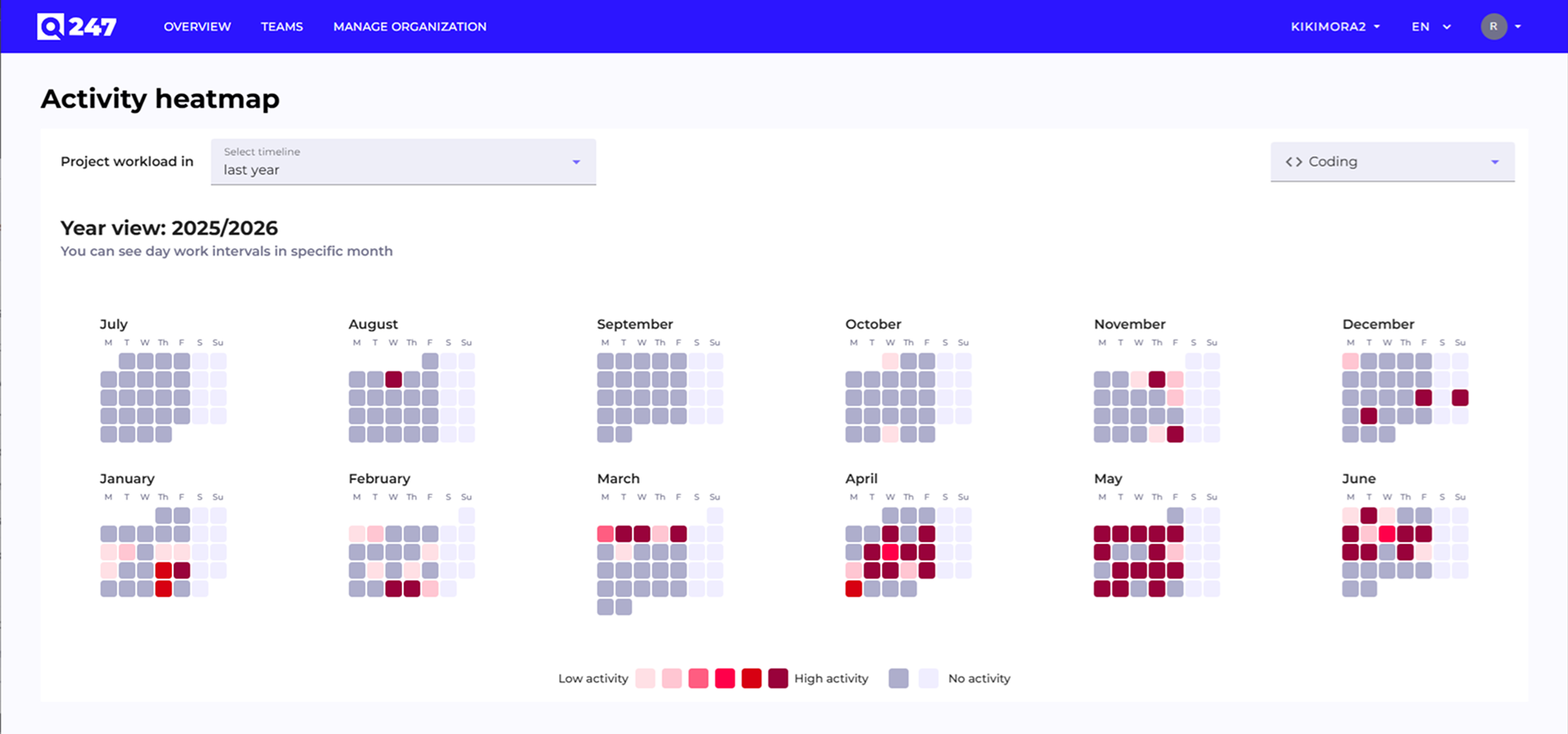
  • A calendar with a heatmap of performed increments has been added to the Participant view.
  • Data can now be displayed in yearly, weekly, and daily views.

Increment List Presentation on Charts

  • Charts now allow you to preview which increments were performed by a user on a given day.
  • Direct navigation from the application to the specific increment in the repository is available.

Hiding Increments from Statistics

  • Managers can now mark increments as suspicious (e.g., automatically generated or related to irrelevant work).
  • Such increments can be excluded from presentation in statistics.

Aggregate Presentation of Unconfigured Contributors

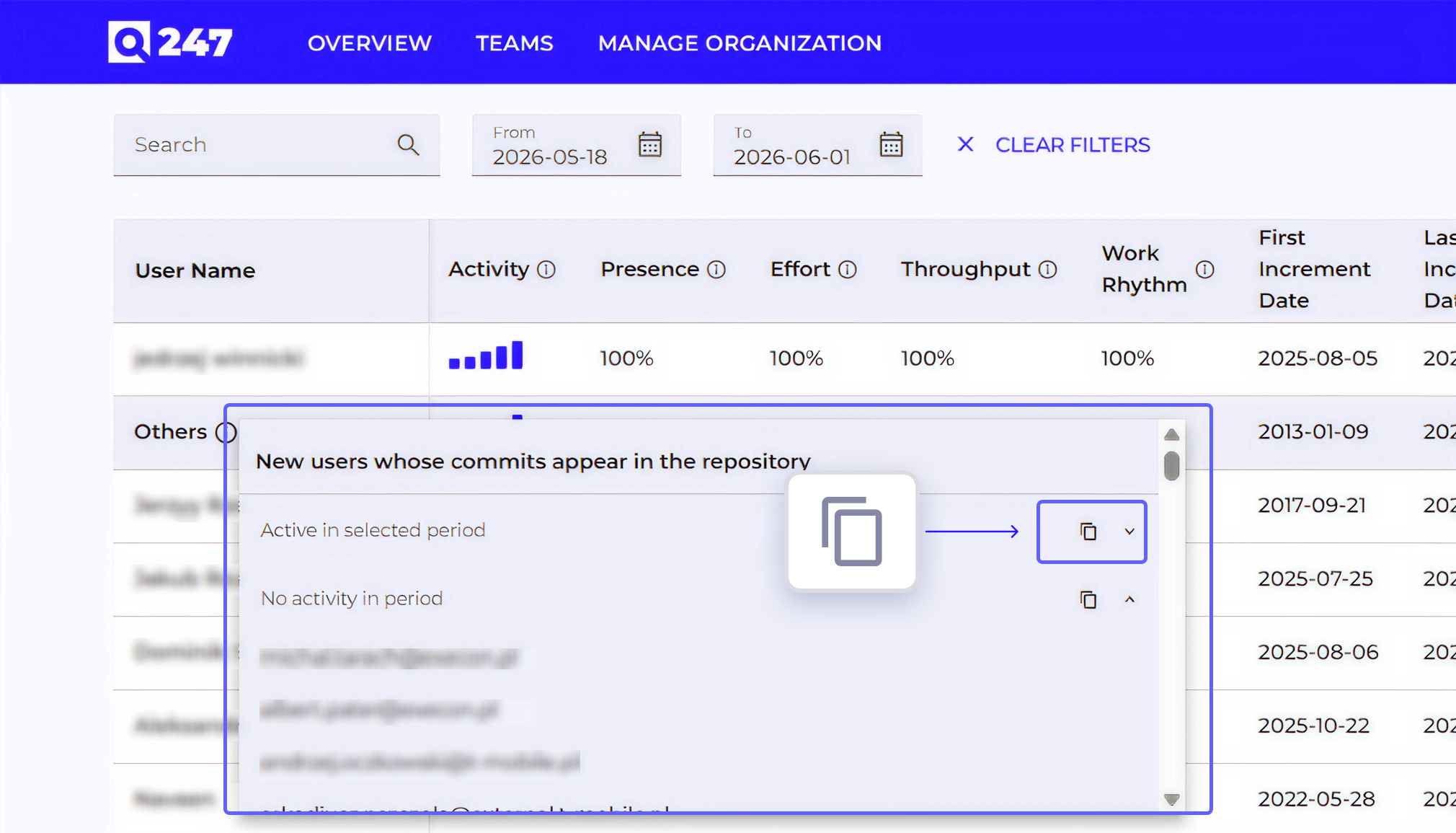
Contributors with an undefined status (e.g., not yet configured) are now grouped into a single table row under Others. This functionality will be rolled out individually for each organization after confirming the details.

Version v2.1.193

· 2 min read
Rafał Marczuk
Senior Business Analyst @ Q247

In this release, we focused on fixing various bugs to enhance the system's stability and reliability. We also introduced new functionality and made several improvements to the overall user experience.

New Features and Enhancements

  • JIRA Cloud Integration - Ability to fetch worklogs from JIRA Cloud and compare the time logged on tasks with the calories produced by the developer.
  • New "Teams" View - A view that presents the work of all teams within the organization, allowing for performance comparison.
  • New "Team" View - A view focused on a single team, enabling analysis of individual team members' work. The system supports the creation of cross-organizational teams and evaluation of their efficiency.
  • Dedicated Developer View - Each developer can log in to their personal account to view the results of their work.
  • Data Chart Improvements:
    • Aggregate line added to charts (calories, commits, lines of code) - Enables clearer visualization of cumulative team activity and progress over time.
    • Weekend markers on the time axis.
  • SCMa Generic Git (manual) - Option to manually specify any Git repository available on the network for scanning.
  • Local Time Display - All time-related data is now displayed according to the user's local time zone.

User Interface (UI) Improvements

  • Unified data loading in tables.
  • Updated system navigation design.
  • "Total metrics" option is now selected by default on charts.
  • Tooltip hidden in the Datepicker component.
  • Improved table pagination.
  • Inactive users are automatically removed from the favorites list.

Version v2.1.155

· One min read
Rafał Marczuk
Senior Business Analyst @ Q247

New features and additional UI/UX improvements in Q247 Beta Preview

  • Added moving averages for all performance charts (project, team, participant)
  • Enhanced UI experience for tabular data
  • Improved UX on participant page

Version v2.1.108

· 2 min read
Rafał Marczuk
Senior Business Analyst @ Q247

This release focuses on enhanced usability with several new features to improve user navigation and multiple improvements for an overall refined experience.

New Features and improvements

  • Project View Enhancements - Added user selection memory on charts and synchronized participant grading/star displays within project tables.
  • Rolling Average on Charts - Implemented a visual option to display rolling averages for better data insights.
  • Improved MFA Navigation - Fixed a browser navigation issue that incorrectly returned users to the app instead of the login screen.
  • Enhanced Table Usability - Introduced one-click filter clearing, default columns, floating headers and fixed first columns across all views.
  • User-Friendly Participant View - Adjusted UI context, improved dropdown metric order and made project selection more intuitive.
  • Favorites Section Highlighting - Visually distinguished favorite tiles to make them easier to identify and access.
  • Calendar & Table Interactions - Polished calendar usability and applied minor layout fixes to support clearer data interaction.

What You get with this new version

With these updates, you’ll notice a much smoother experience using the app. Tables are easier to work with—filters clear in one click, headers stay visible as you scroll, and key columns stay fixed in place. In both project and participant views, navigating and selecting data is more intuitive, with clearer metrics and better context depending on where you are. Charts now support rolling averages, giving you a sharper look at trends. You’ll also find it easier to spot your favorites, and moving between screens feels more consistent and predictable.

Version v2.1.107

· One min read
Rafał Marczuk
Senior Business Analyst @ Q247

Important UI improvements, repository management and bug fixing.

  • New & redesigned Q247 application available at new domain Q247 Sign in
  • New product page Track development teams for IT projects
  • New documentation page Q247 Documentation
  • Now you can track not only projects and participants but also your teams (cross projects)
  • Fully automated repository scanning management for Github, Github Enterprises, Gitlab, Azure DevOps
  • More than 28+ performance metrics tracked
  • Daily and hourly tracking modes
  • Additional security features for Enterprise Plugin