Version v2.7.1

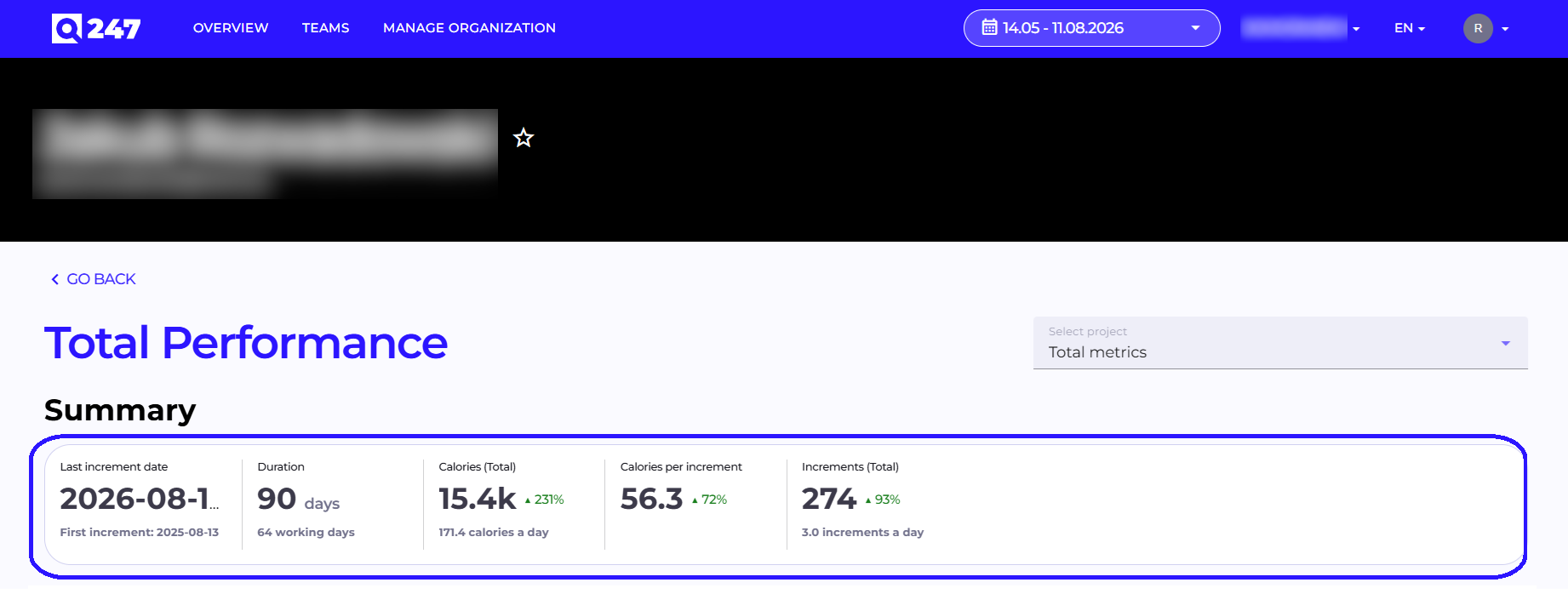
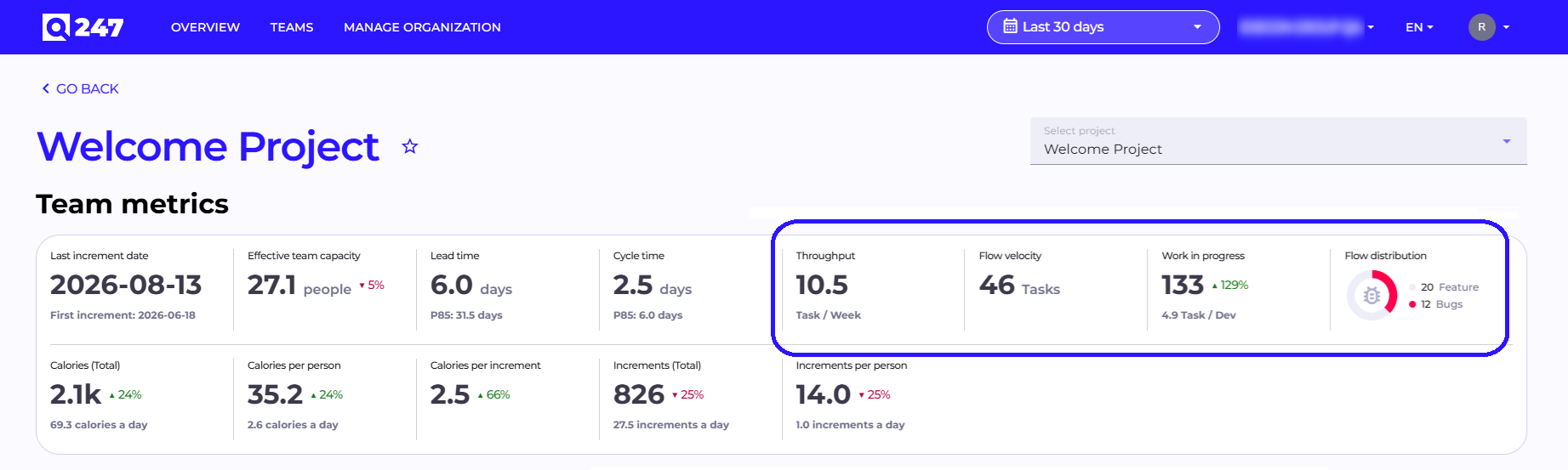
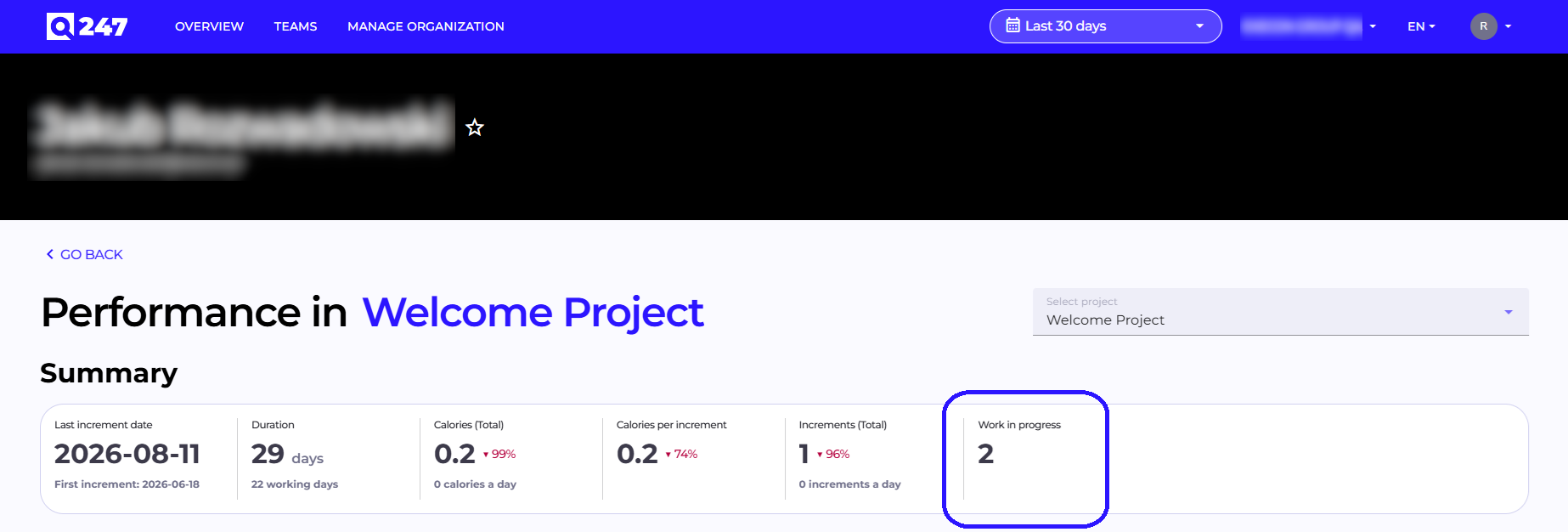
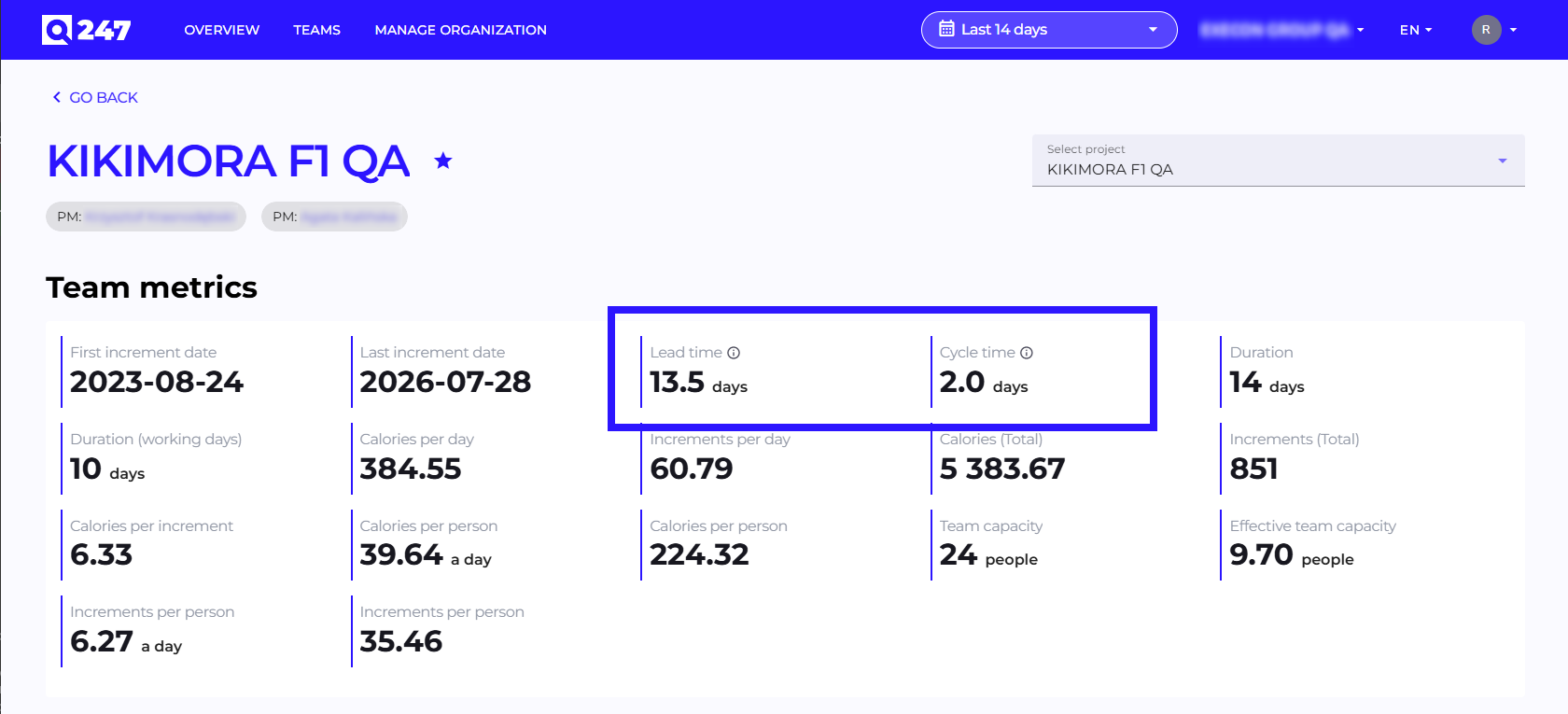
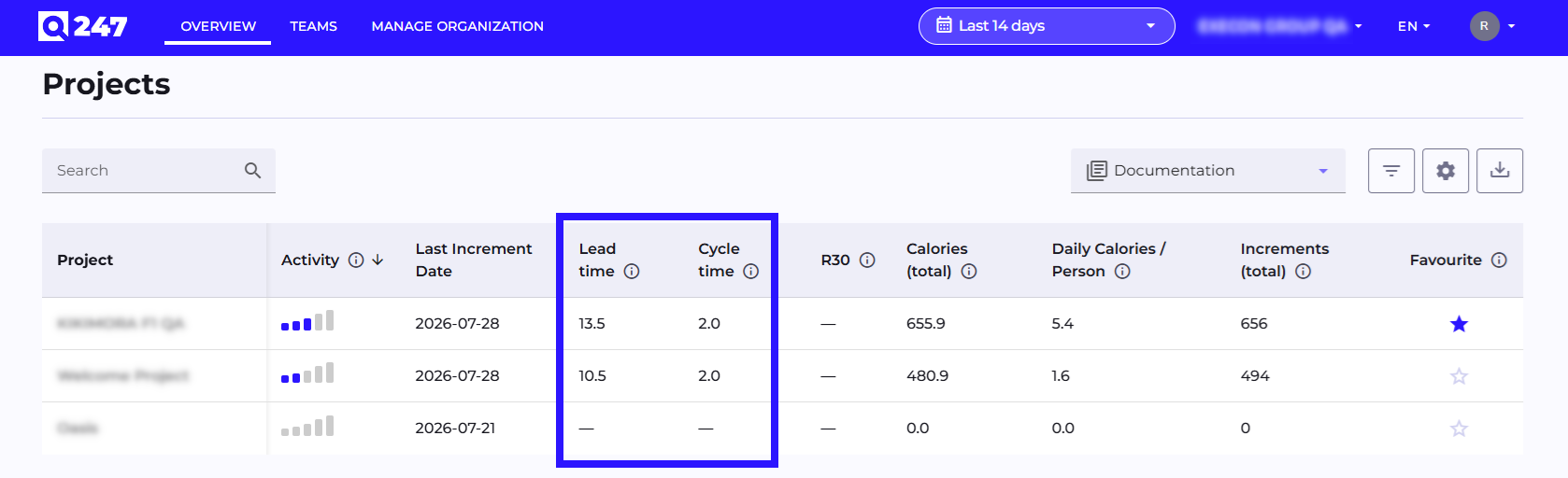
Version 2.7.1 lets you backfill historical data from Jira and Confluence. The backfilled data goes into Calories, and from Jira also into Lead Time and Cycle Time. The Confluence connector can pull data via API, without configuring webhooks, just as the Jira connector has since version 2.7.0. In Configuration, the administrator sees the organization's license parameters and the number of accounts in use. The release also improves date range selection and working with the user list.
Below you will find a detailed description of the most important changes.
New Features
Historical data backfill from Jira and Confluence
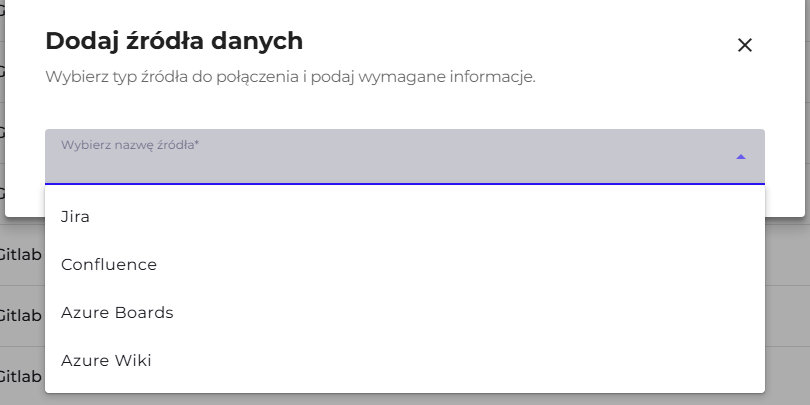
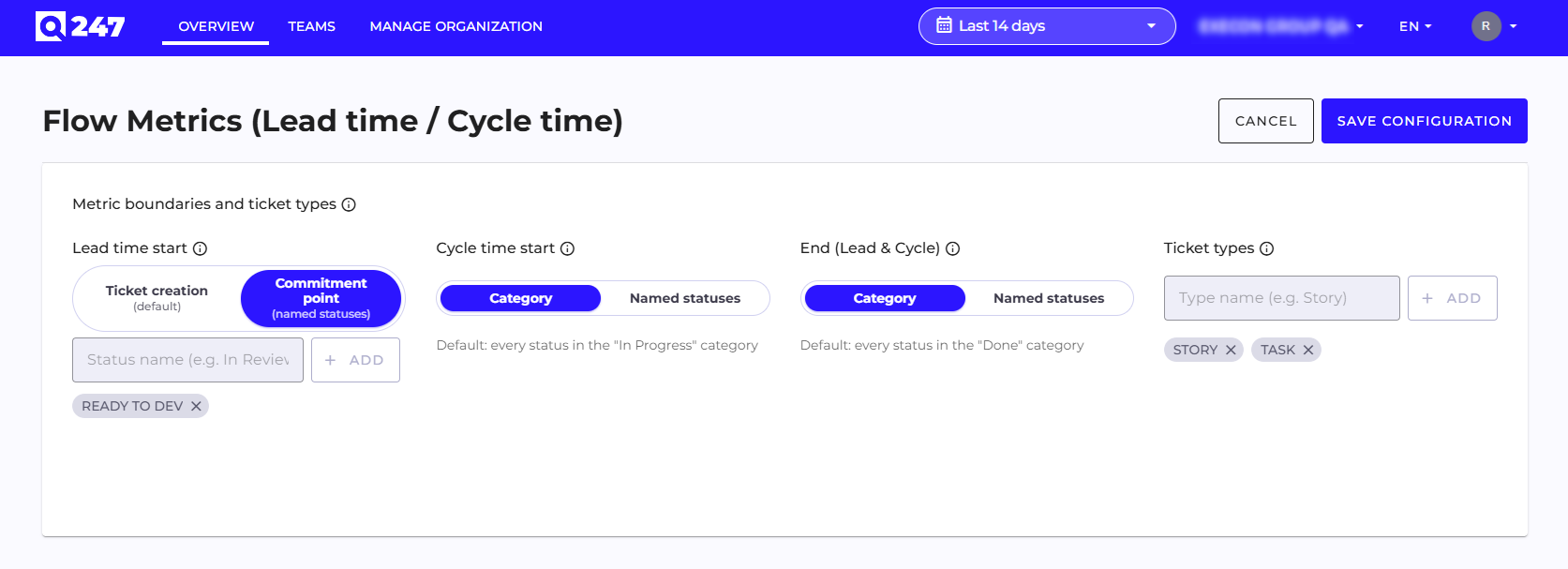
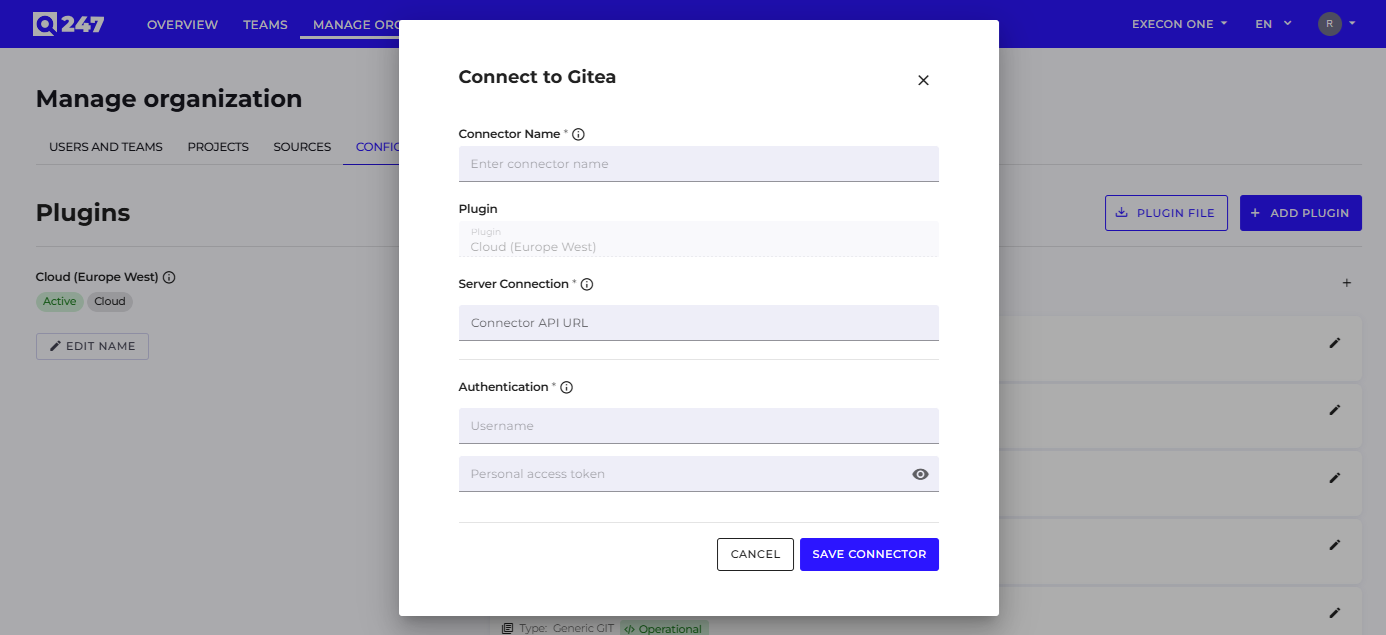
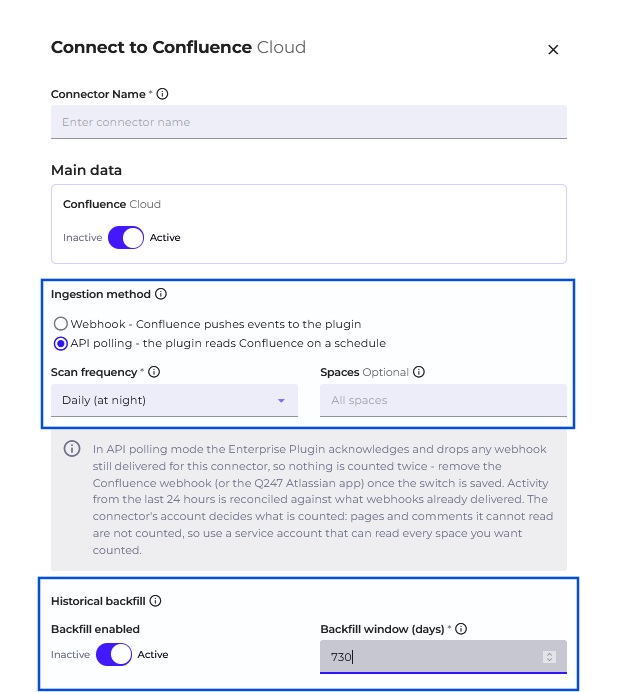
Q247 can backfill data from the period before the Jira or Confluence connector was connected. Enterprise Plugin pulls the change history via API and calculates Calories from it under the same rules as for current data. From Jira come comments, description edits, and ticket status changes, so Lead Time and Cycle Time also cover tickets created in that period, including those closed before the integration was started. From Confluence come successive page versions and comments, which feed documentation Calories. The reach back, counted in days, is set in the connector form, in the "Backfill window (days)" field.
Pulling data from Confluence via API
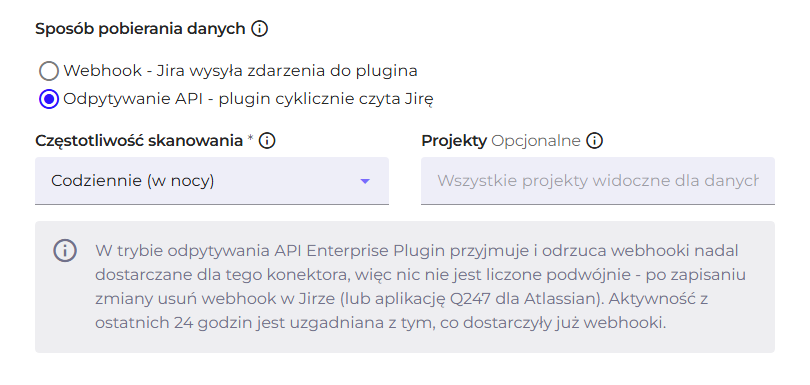
The Confluence connector has a second mode of pulling data: directly via API. In this mode, Enterprise Plugin connects to Confluence itself, so webhooks are not needed, and the integration also works when Confluence cannot connect to the plugin. You select the mode in the connector form with the "Ingestion method" option, and set the pull frequency to every hour or once a day, at night. You can specify the spaces to poll, and an empty list means all spaces available to the given credentials. Pages keep their history after a title change and after being moved to another space. The mode works with Confluence Cloud and Confluence Data Center and requires Enterprise Plugin version q247-enterprise-plugin-linux-v2.6.0 or later.
Organization license in Configuration
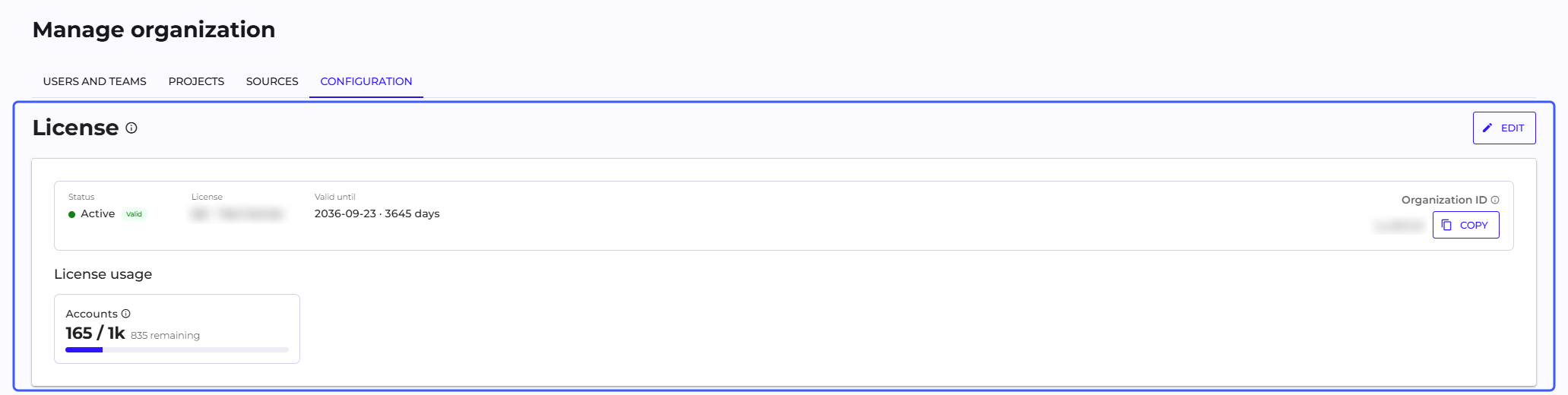
The organization's license parameters are now visible in Manage Organization, on the Configuration page, in the first section, "License". There the administrator sees the license name, the expiry date, and the Organization ID, which can be copied and given to Q247 support in license-related cases. The "License usage" panel shows the total number of accounts in the Active status, with and without access, against the license limit. You paste a new license, received from Q247 support, in the same section, and the new limits apply immediately after saving.
Improvements
Previous periods in the date range selector
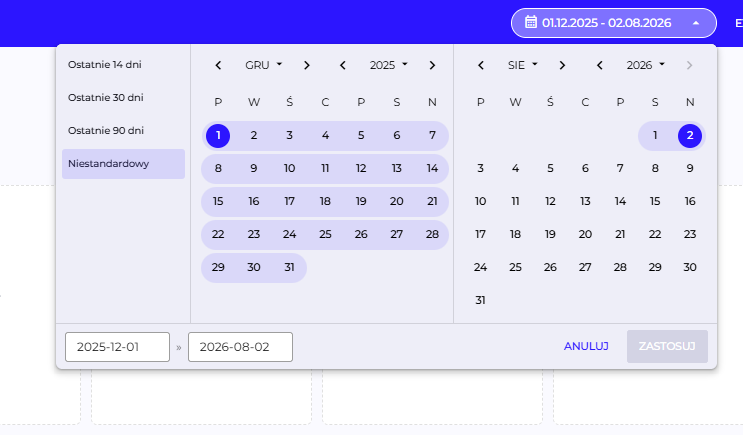
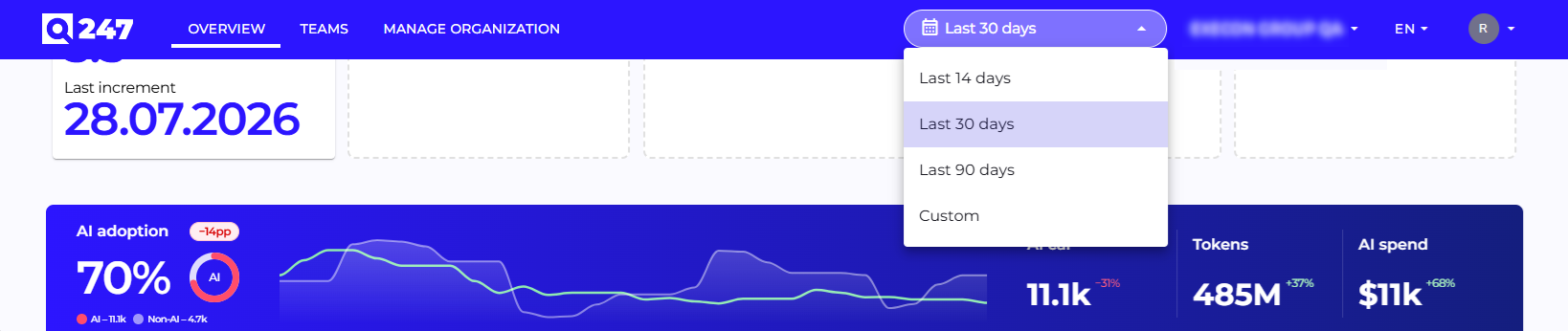
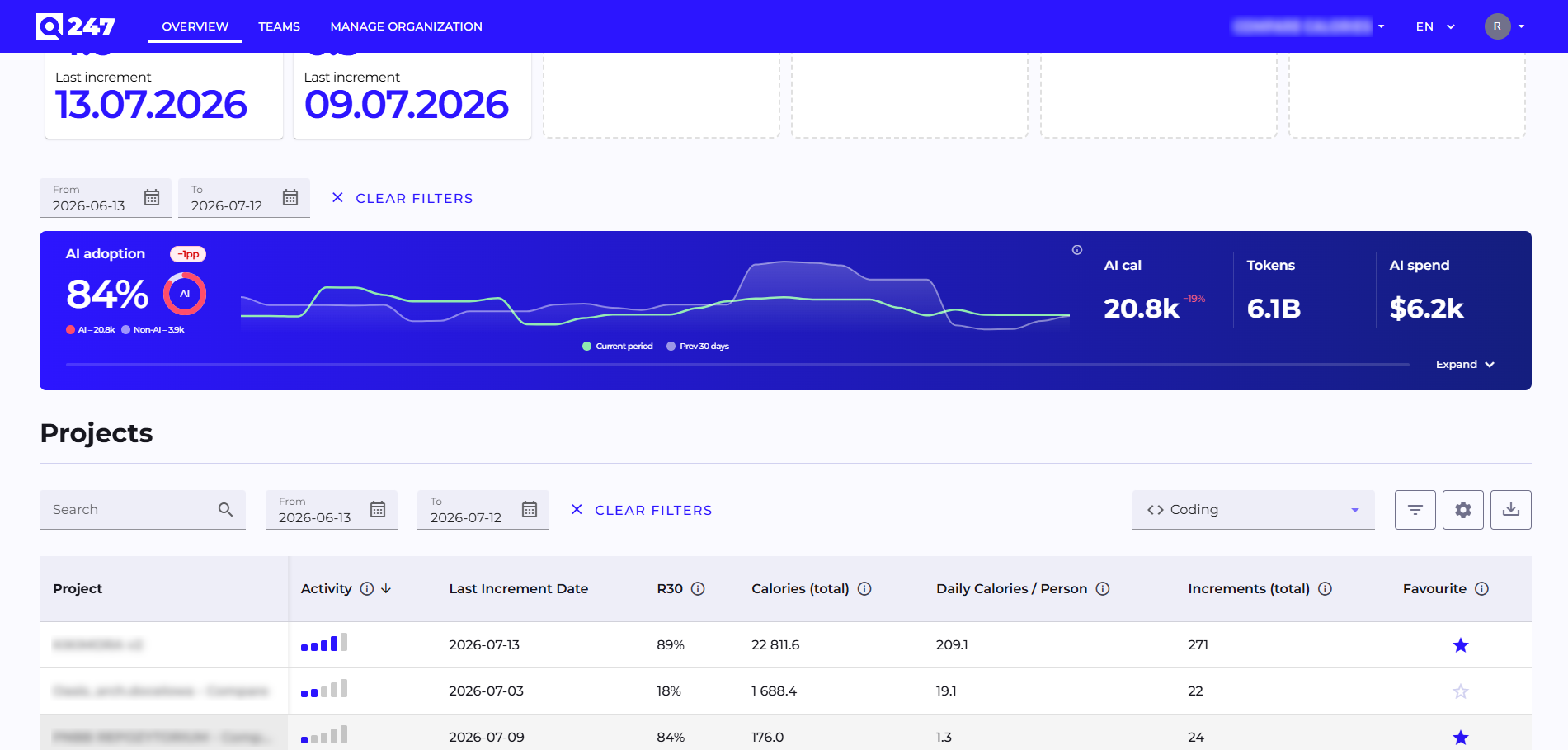
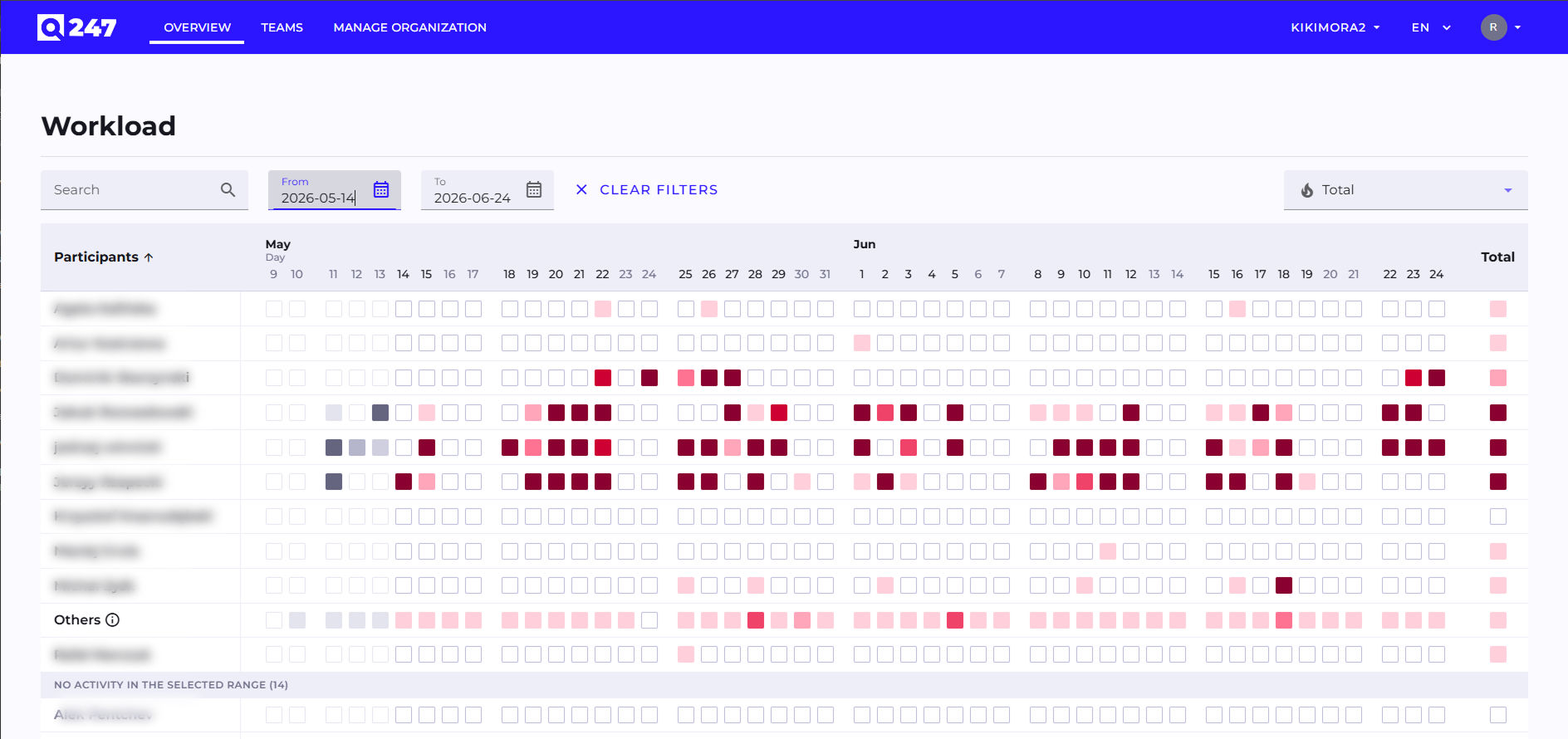
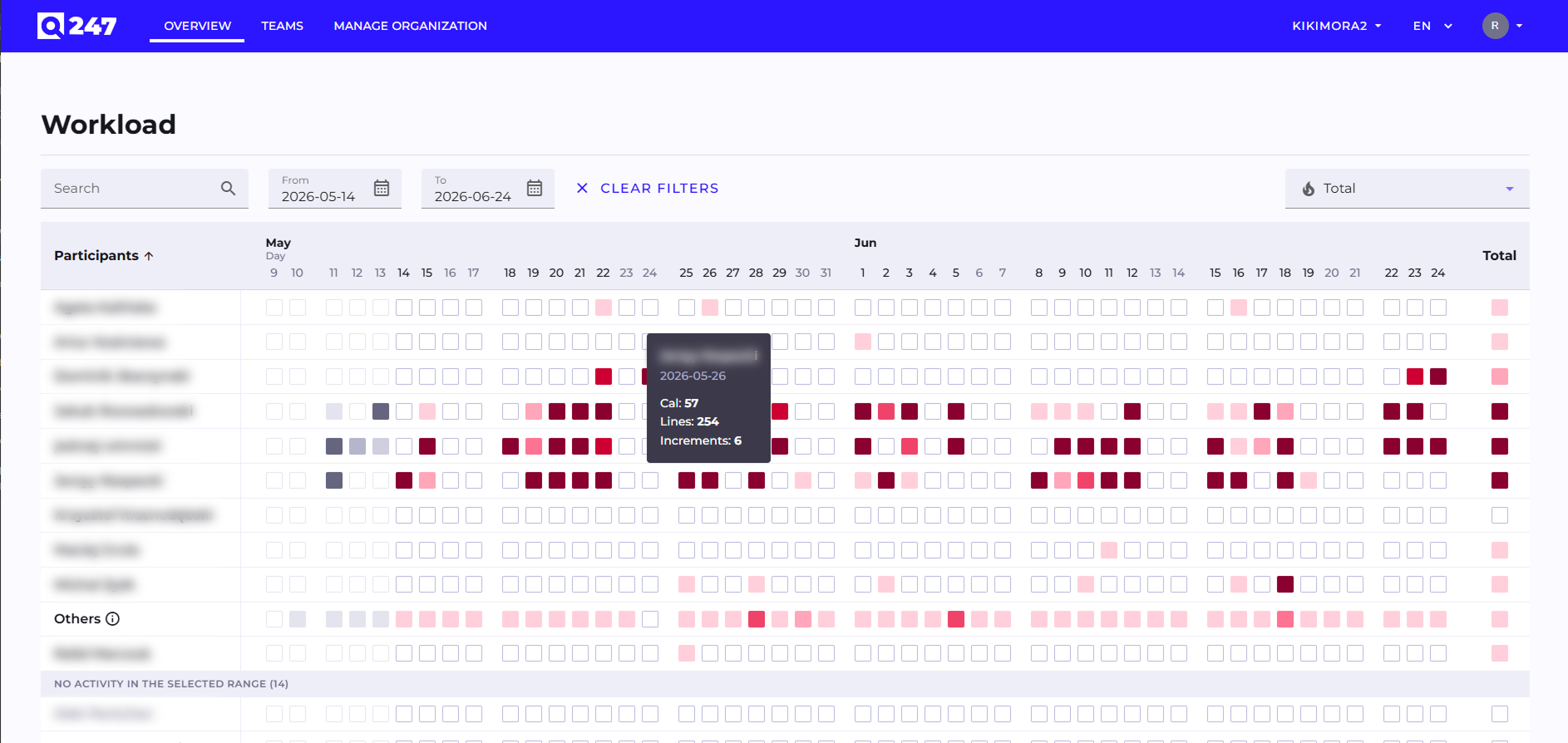
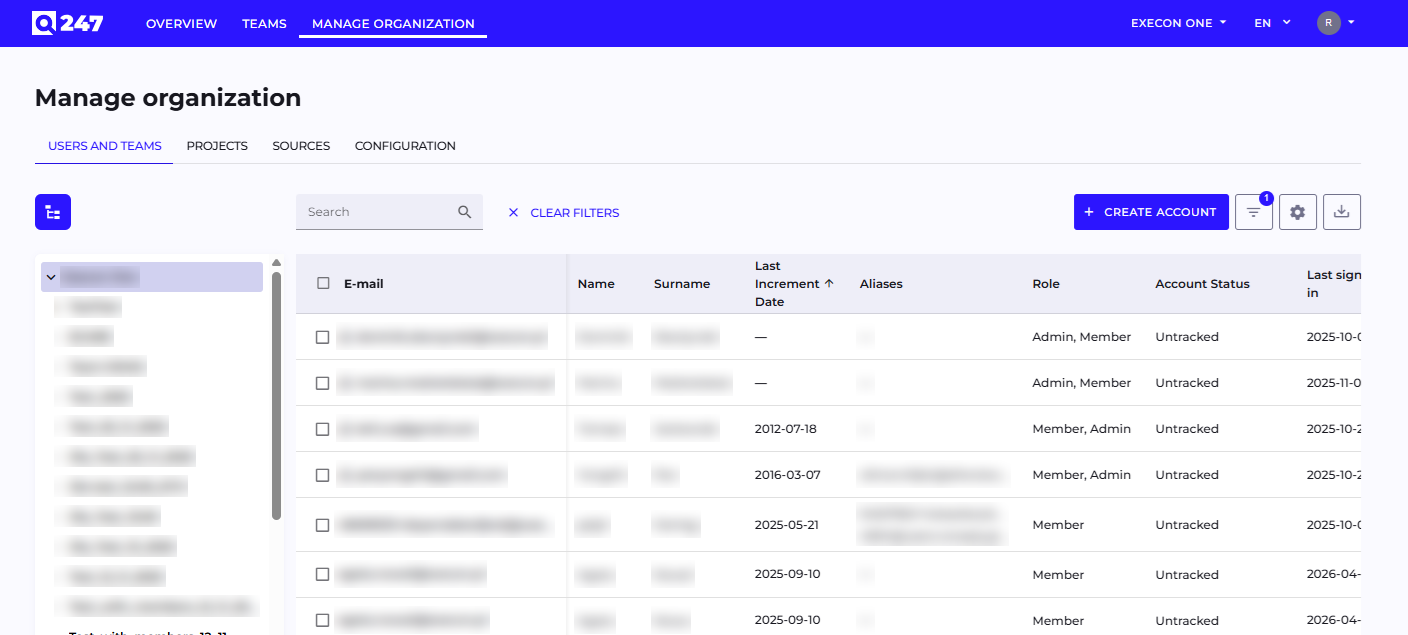
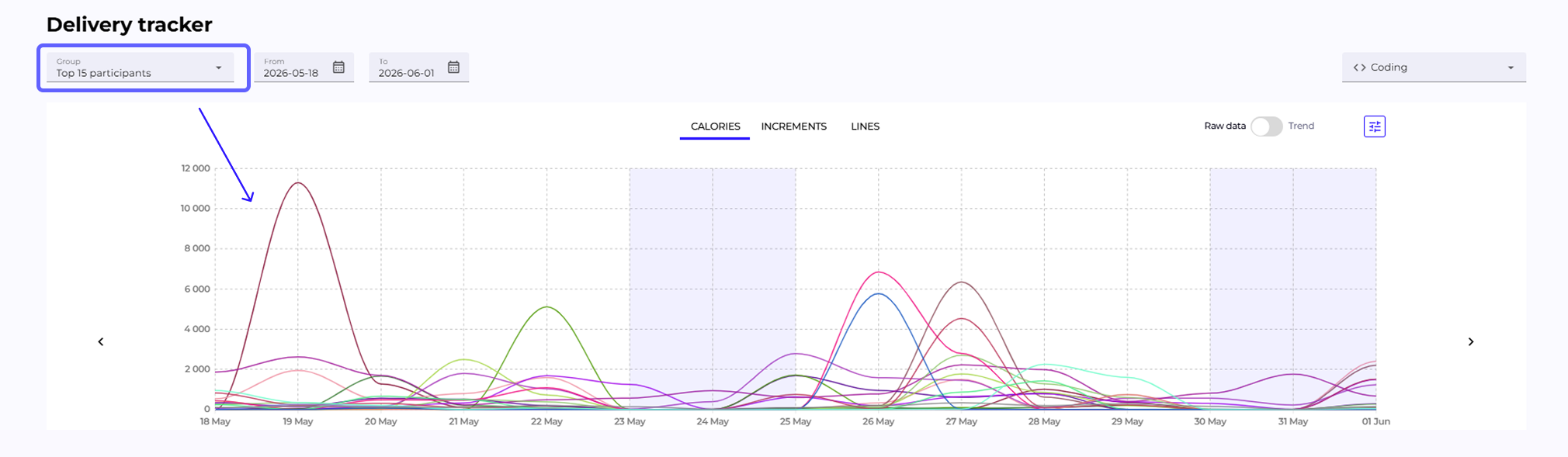
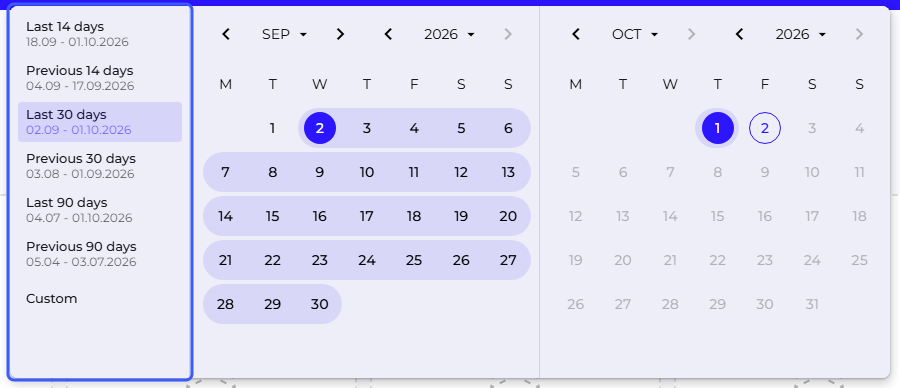
The date range selector has new preset ranges, "Previous 14 days", "Previous 30 days", and "Previous 90 days", meaning a period of the same length directly before the last 14, 30, or 90 days. A preset range applies immediately after you click it, without confirmation. In the "Custom" mode, you can also type the dates from the keyboard, in the desktop view.
Full list of people in the "Merge accounts" window
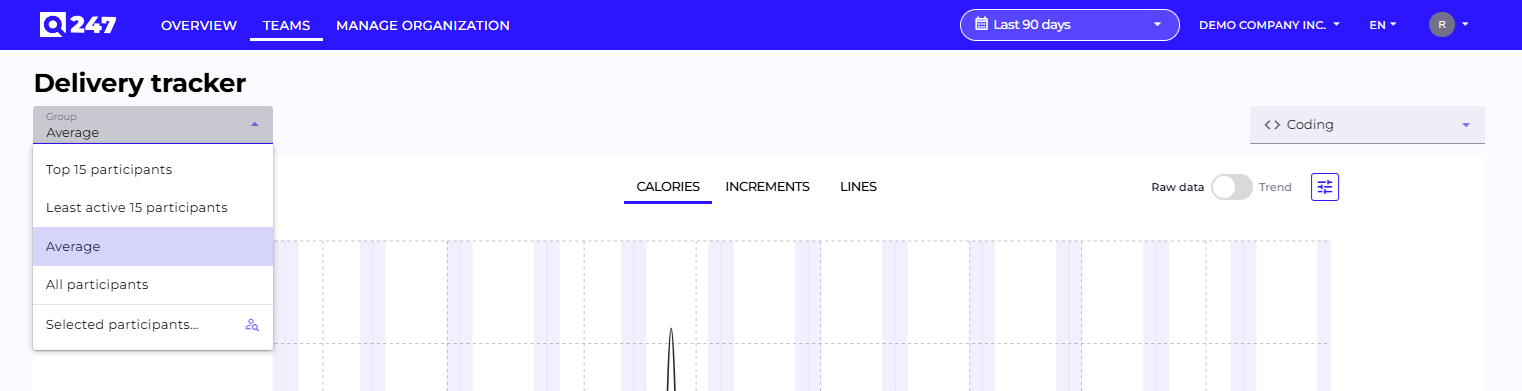
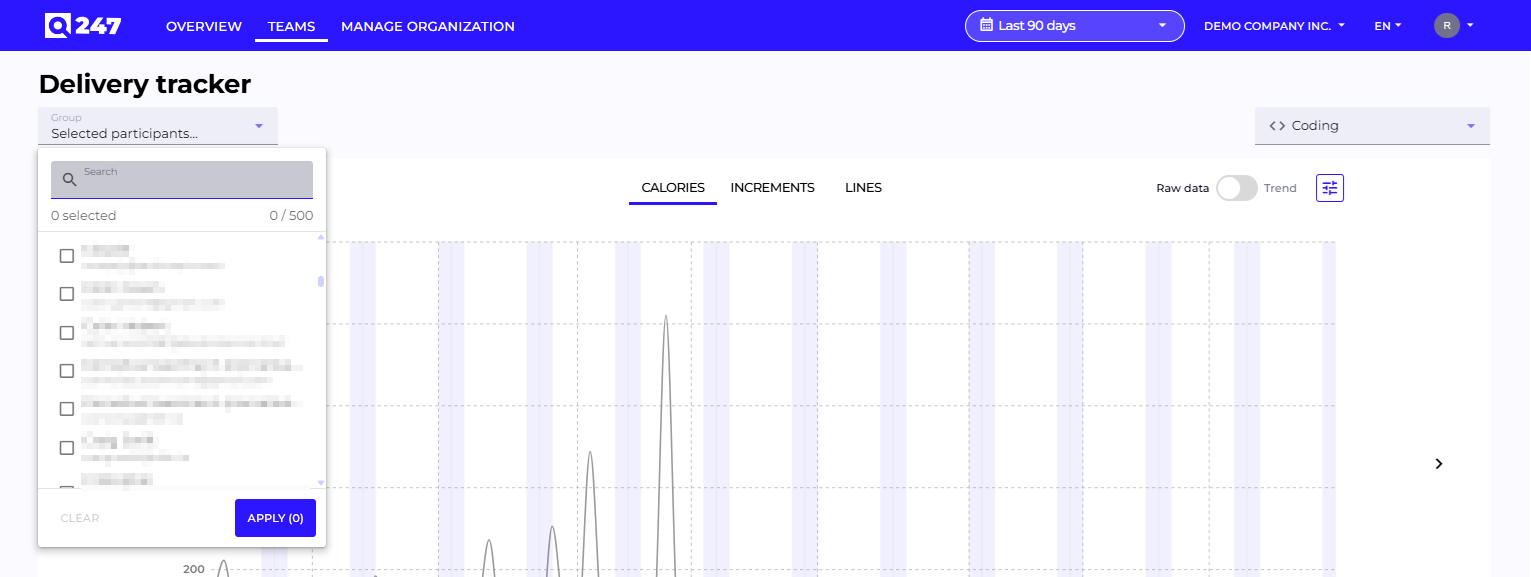
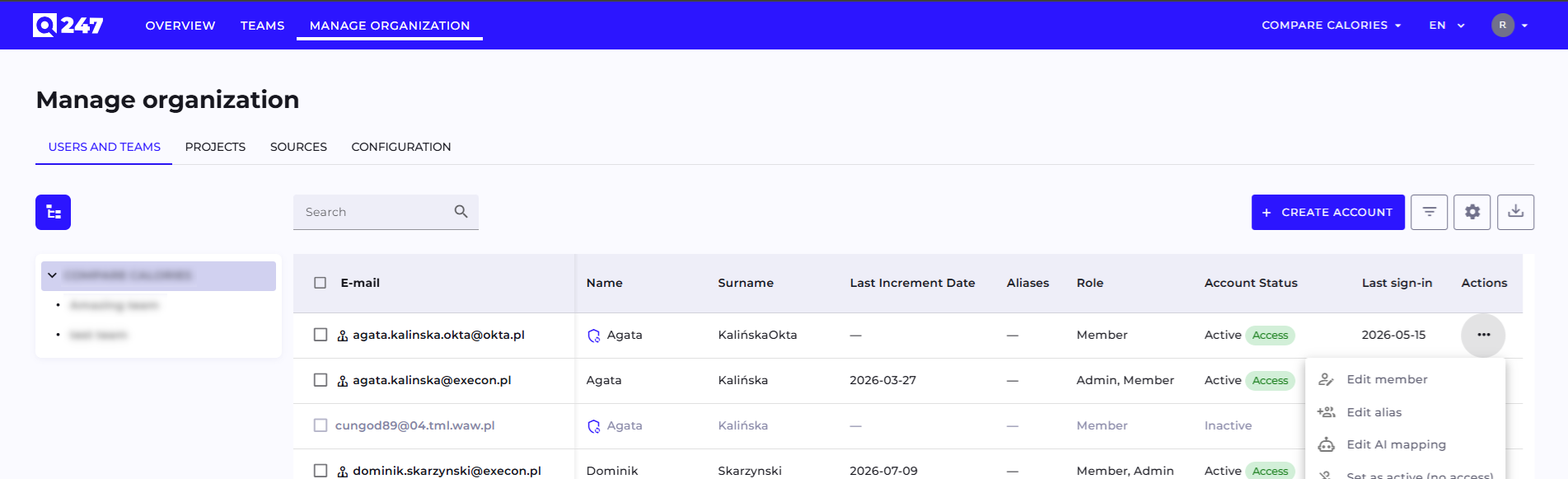
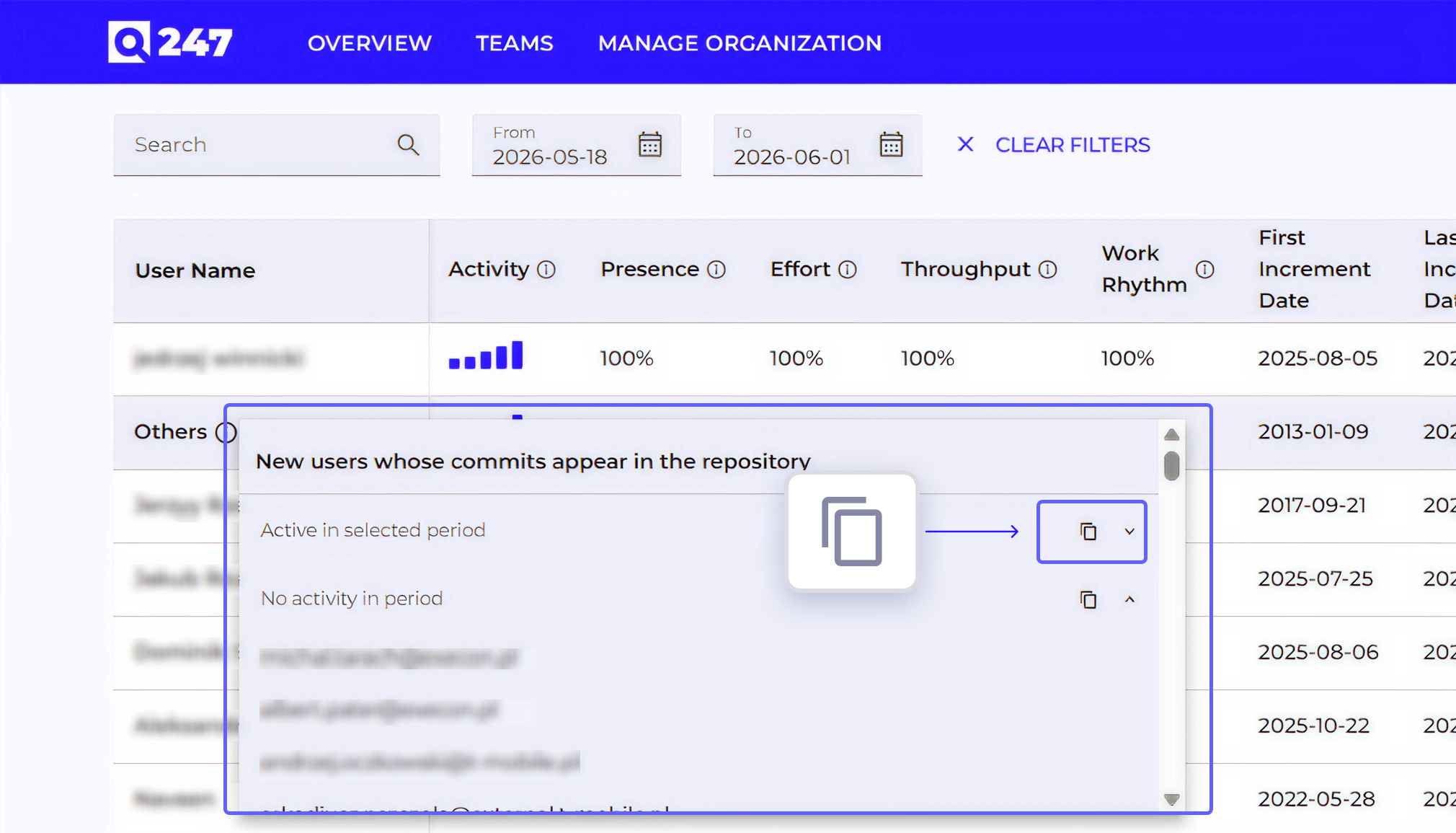
The list in the "Add new alias" field loads more people as you scroll and shows how many of them have been displayed. A person found by search gets onto the list with the first click.
Excluding commits by a team manager
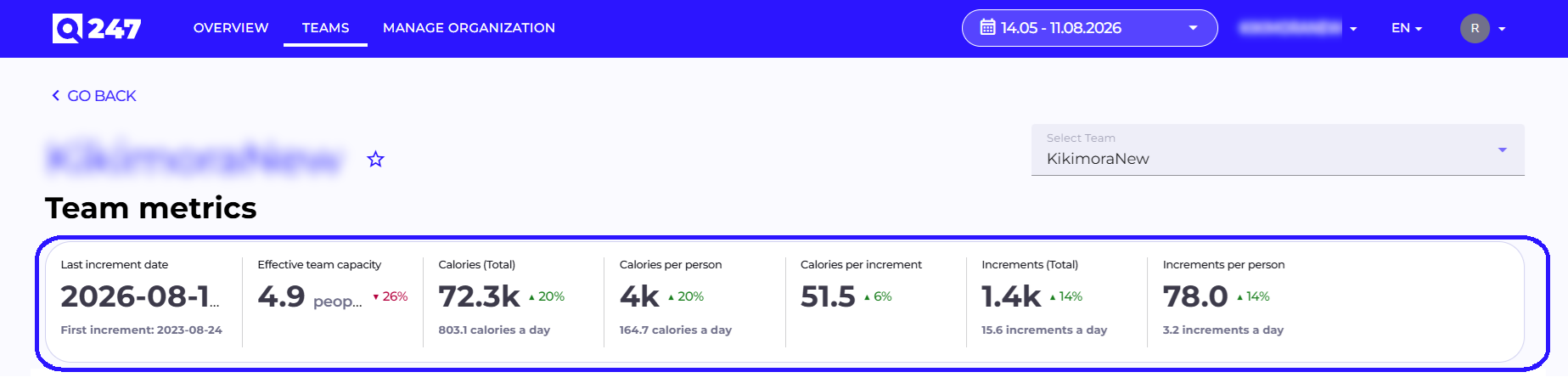
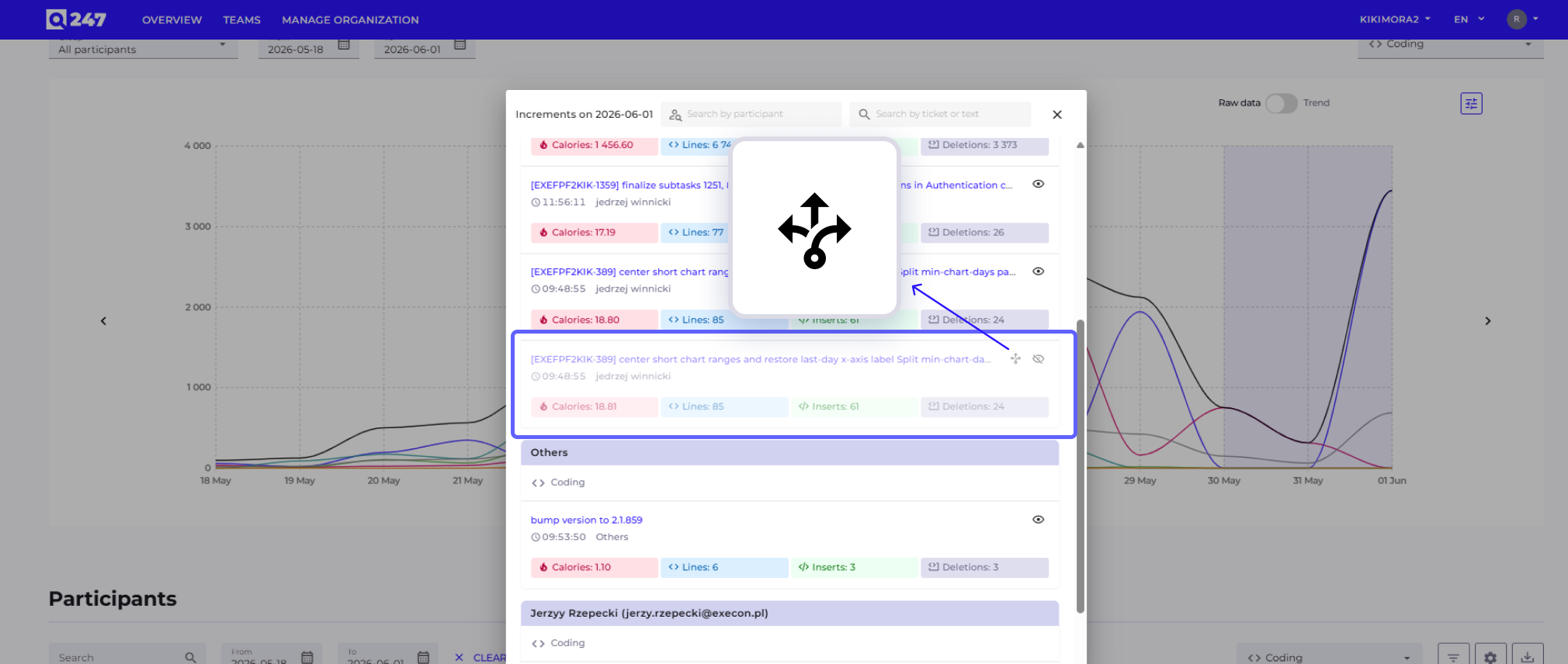
A team manager can exclude from statistics the commits of people on their team and restore them, also in projects they do not have access to themselves.
Retention counts commits restored to statistics
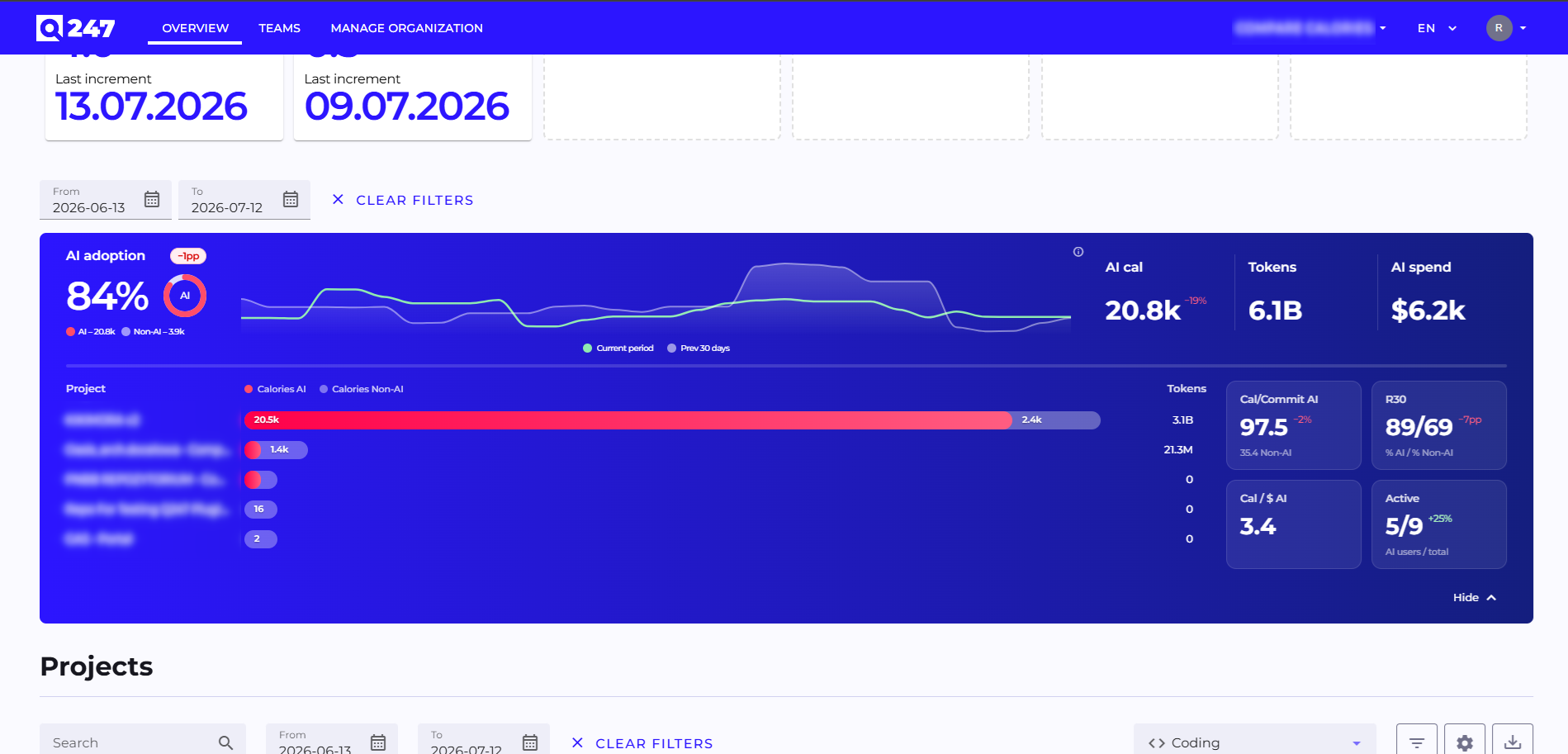
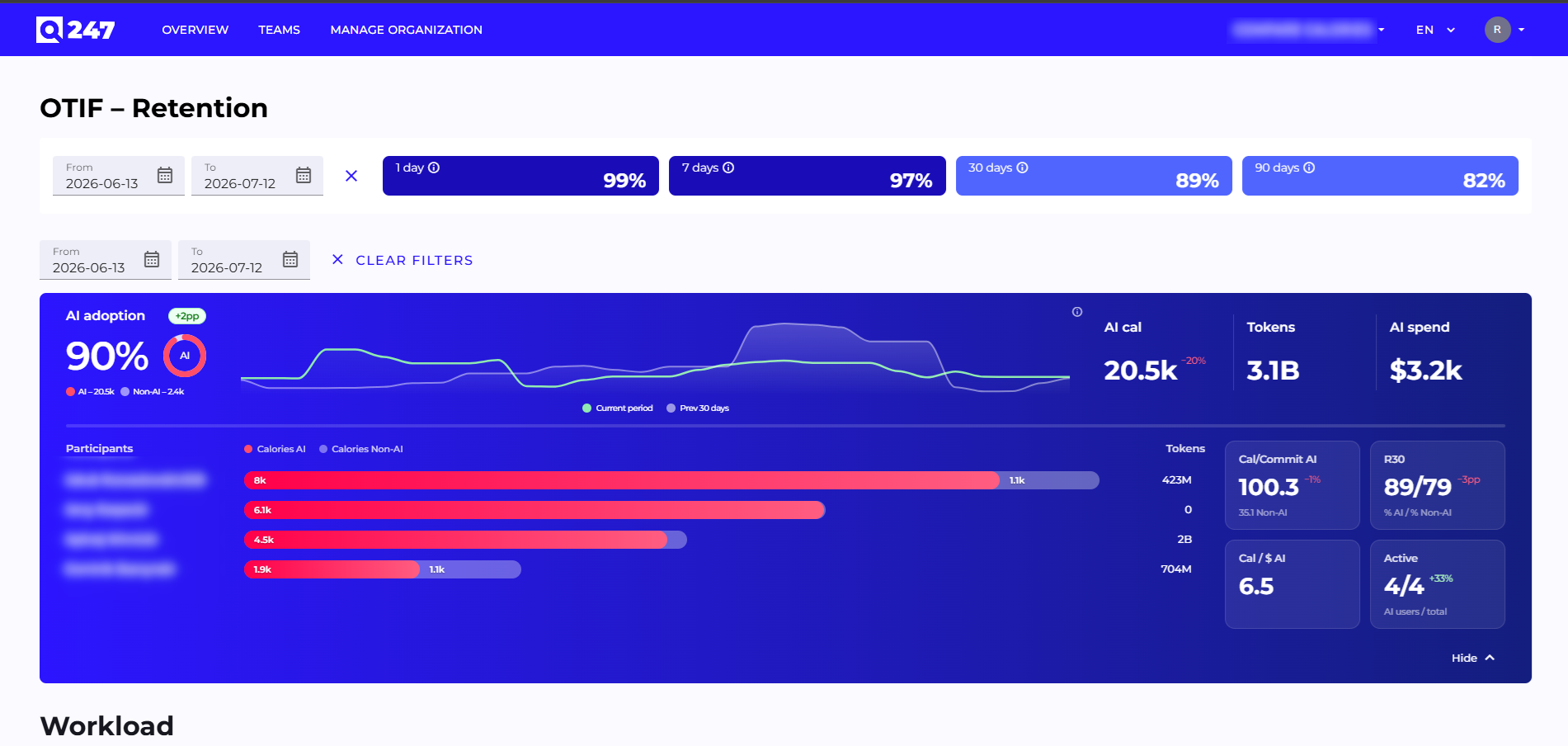
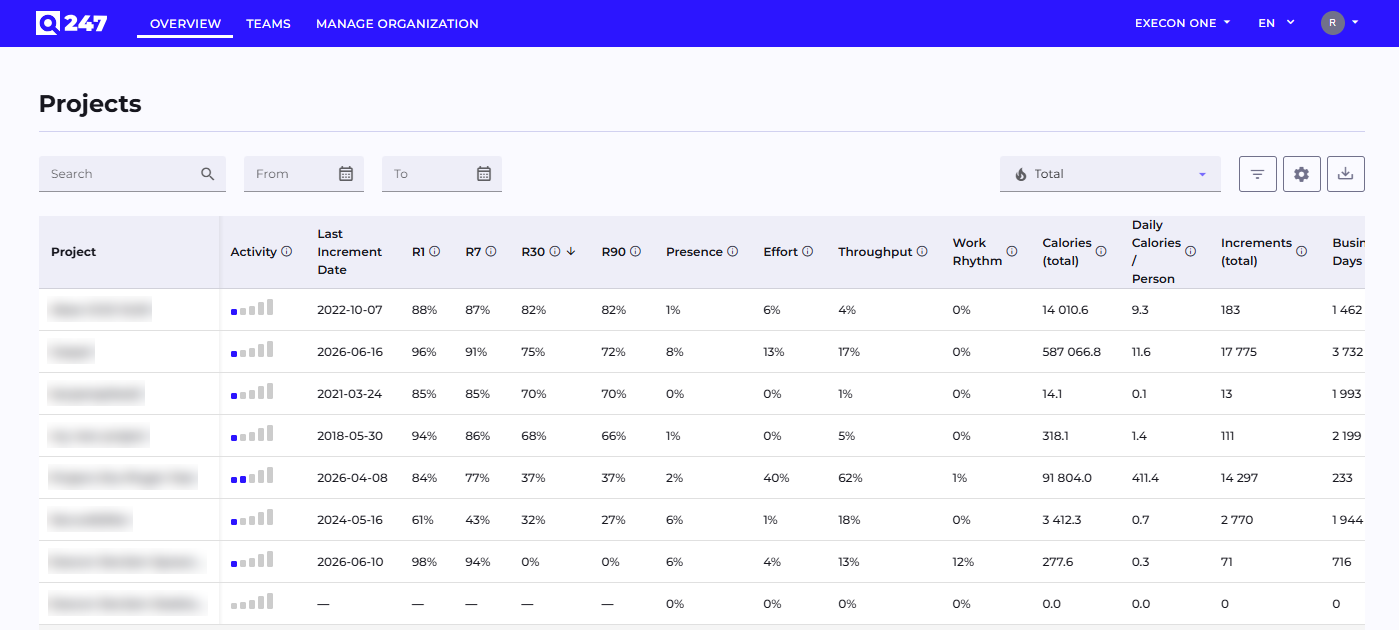
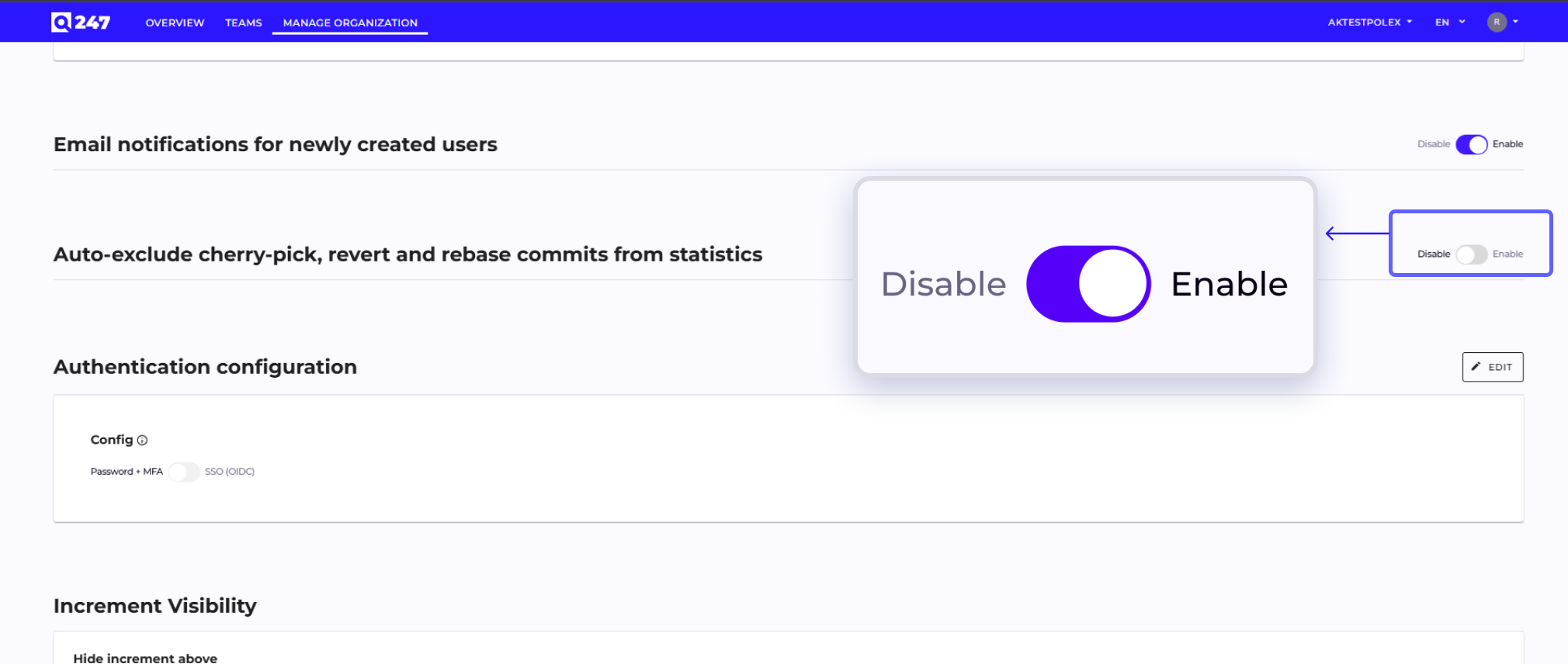
A commit restored with the "Include in stats" action is counted in Retention (R1, R7, R30, R90), including in the R30 indicator in the AI Adoption panel. This also applies to commits previously hidden by the increment visibility threshold or excluded automatically, for example as a revert.